


Generic prompts generate generic lives. When you ask ChatGPT to plan a trip, organize your pantry, or design a fitness routine, you receive bland, average advice scraped from the surface of the internet. The standard chatbot is a generalist built for everything, which means it is optimized for nothing in particular.
- Phase 1: Auditing Your Digital Interface for High-Performance AI Execution
- Phase 2: Micro-Task Breakdown with Goblin.tools for Cognitive Unburdening
- Phase 3: Optimizing Recipe and Meal Planning with Copy Me That and Pestle AI
- Phase 4: Constructing Dynamic Travel Itineraries with Tripnotes and Wanderlog
- Phase 5: Building Flawless Habit Stacking Sequences with Notion and Taskade
- Phase 6: Automated Home Energy Management via Smart Scripts
- Phase 7: Deep Reading and Knowledge Synthesis with Readwise Reader
- Phase 8: Financial Goal Tracking and Automated Budget Auditing
- Phase 9: Synthesizing and Maintaining Your Niche AI Stack
- Frequently Asked Questions
To truly streamline your life, you must look past general-purpose chat boxes. A highly specialized army of niche artificial intelligence tools now exists to solve single, hyper-specific problems. These platforms bypass the clumsy back-and-forth prompting process, delivering structured, immediately executable workflows instead.
This comprehensive guide will show you how to audit your systems and configure these specialized platforms. By coordinating a dedicated stack of micro-tools, you can reclaim hours of administrative headache every week with minimal friction.
- Estimated Time: 25 minutes.
- Difficulty Level: Intermediate.
- Required Tools / Items: A modern web browser, a Goblin.tools account (free), and access to Pestle or Wanderlog.
Phase 1: Auditing Your Digital Interface for High-Performance AI Execution
Optimize your immediate workspace. Before running multiple specialized algorithms, your browser must operate at absolute peak performance. Bloated browser setups, active trackers, and orphaned extensions drain system memory and introduce heavy lag during processing.
Execute a clean system sweep. Run the 2-minute browser audit to clear out memory-hogging tab clutter and background scripts. This ensures that web-based automation APIs load instantly and do not crash when processing dense datasets.
Group your operational workspaces. Create a dedicated browser tab group named "AI Stack" containing only the tools detailed in this guide. Keeping these tabs isolated prevents cross-site tracking engines from interrupting active sessions or stealing focus from your core tasks.
Phase 2: Micro-Task Breakdown with Goblin.tools for Cognitive Unburdening
Deconstruct overwhelming projects instantly. Large goals like "clean the basement" or "plan a garage sale" trigger procrastination due to executive dysfunction. Goblin.tools utilizes a custom linguistic processing engine designed specifically to break massive tasks into micro-steps.
- Input your primary target: Write a single broad objective into the central Magic ToDo field, such as "Declutter the spare bedroom closets."
- Calibrate the intensity slider: Adjust the "spiciness" scale (represented by physical peppers) from level one to level five depending on how detailed you need the steps to be.
- Generate and parse the plan: Click the magic wand icon to trigger the generation of a chronological, highly specific checklist that tells you exactly where to start.
Export to physical systems. Once the micro-tasks are generated, send them directly to your native calendar or copy them as plain-text markdown lists. By removing the cognitive load of deciding the next action, execution becomes an effortless process of checking boxes.

Phase 3: Optimizing Recipe and Meal Planning with Copy Me That and Pestle AI
Strip away food blog clutter. Standard cooking blogs are packed with search engine optimization fluff, repetitive stories, and intrusive ad scripts. Using Pestle AI allows you to bypass the text walls and extract clean, mathematical cooking directions.
- Extract the raw data: Paste any recipe link directly into the Pestle import field to scrape the ingredients list and preparation steps immediately.
- Scale the batch sizes: Use the scaling tool to adjust the portions for two, six, or twelve people, which recalculates the exact metrics automatically.
- Compile the grocery manifest: Export the parsed ingredients list directly into your smart reminders app, sorted automatically by supermarket department.
Convert text into hands-free speech. Use the built-in voice activation feature within these specialized culinary interfaces to advance steps while cooking. This keeps raw food materials off your mobile screen, preserving the longevity of your physical hardware.
Phase 4: Constructing Dynamic Travel Itineraries with Tripnotes and Wanderlog
Avoid the generic tourist traps. Traditional web searches yield identical, crowded recommendations. Spatial mapping tools like Wanderlog and Tripnotes integrate live location tracking with tailored route suggestions to build optimized, walkable vacation paths.
- Establish your core geographic anchors: Input your hotel location and mandatory sightseeing spots into the interactive canvas.
- Apply spatial clustering: Let the mapping tool calculate real walking times and cluster nearby destinations together to minimize transit costs.
- Layer live status checks: Connect your itinerary with Google Maps APIs to pull in operating hours, local reservation requirements, and average wait times.
Cache everything for offline use. Download the finished spatial plan to your local storage before departing on your journey. This ensures you maintain full access to localized maps and reservations even in areas with zero cellular service.
[YOUTUBE_SEARCH: Wanderlog tutorial travel planning with AI]
Phase 5: Building Flawless Habit Stacking Sequences with Notion and Taskade
Anchor new habits to established routines. Trying to build habits from scratch through sheer willpower fails because the brain naturally seeks the path of least resistance. Instead, attach new desires directly onto actions you already perform every single day without thinking.
- Map your current daily anchors: List three unshakeable daily habits, such as pour morning coffee, open laptop, or brush teeth.
- Design the physical bridge: Feed these anchors into Taskade’s habit generator to build a customized daily flowchart.
- Protect your attention spans: Implement a clean, focus-first approach by learning the differences in this digital minimalism vs. AI productivity tools comparison to avoid digital notification overload.
Enforce absolute physical limits. Set up automated boundaries that prevent notifications from chiming during your habit triggers. When a habit loop runs without digital distraction, neural pathways harden the routine much faster.
Phase 6: Automated Home Energy Management via Smart Scripts
Regulate physical environments autonomously. Relying on manual thermostat updates and hand-flipped light switches leads to wasted electricity and inflated monthly utility statements. You can configure custom algorithms to handle these micro-adjustments for you.
- Track your baseline consumption metrics: Identify where your household energy draw spikes during peak rate windows.
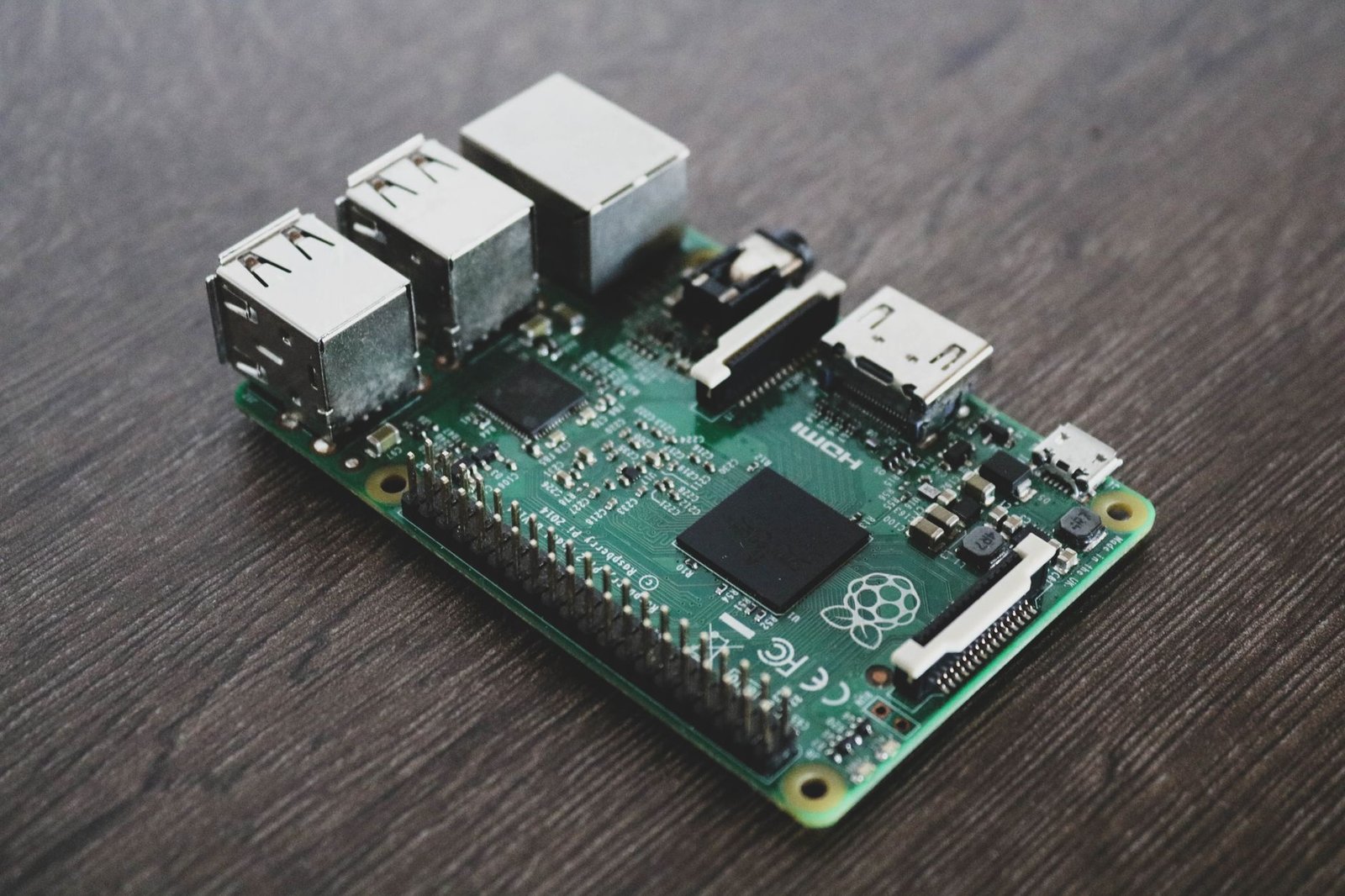
- Deploy localized control scripts: Implement optimized scripts to control home micro-grids using low-power computing setups.
- Integrate automated control systems: Read the step-by-step breakdown on automating home energy grids with obscure Raspberry Pi scripts to build responsive local smart-home logic loops.
Evaluate historical performance trends. Set up a basic dashboard that charts your power usage over a ninety-day window. Small adjustments to your local scripts can result in dramatic, compounding cost reductions over a typical calendar year.
Phase 7: Deep Reading and Knowledge Synthesis with Readwise Reader
Eliminate digital informational debt. Most internet bookmarks go to die in dark, unread folders. Readwise Reader uses an inline parsing engine to extract key arguments, definitions, and action points from complex articles before you even start reading.
- Consolidate your reading feeds: Route all newsletters, academic PDFs, and saved web pages into a single unified Reader inbox.
- Execute the text parsing command: Use the localized artificial intelligence tool to summarize long documents and highlight internal conflicts.
- Extract and sync the highlights: Automatically push your curated notes directly into your primary database for future reference.
Schedule structured review sessions. Rather than checking incoming articles continuously throughout the day, dedicate a single thirty-minute evening window to review parsed summaries. This protects your working hours from constant focus shattering.
Phase 8: Financial Goal Tracking and Automated Budget Auditing
Eliminate complex financial spreadsheets. Manually entering transactions into ancient spreadsheets is a tedious chore that usually gets abandoned. Specialized financial tools connect directly to secure bank APIs to categorize cash flow with zero manual typing.
- Secure your institution integrations: Link your primary checking, savings, and credit accounts using secure, read-only token authenticators.
- Teach the sorting engine: Create specific custom flags for unusual recurring charges, such as local farm shares or seasonal software platforms.
- Review spending velocity: Analyze the automated dashboard charts to visualize monthly spending pace relative to your savings targets.
Set active spending boundaries. Configure instant alerts that trigger when a specific spending category hits eighty percent of its monthly limit. This active notification gives you ample warning to adjust your behaviors before overdrawing your budget.
Phase 9: Synthesizing and Maintaining Your Niche AI Stack
Keep your technology footprint minimal. Collecting fifty different apps creates computational clutter and mental fatigue. A highly optimized toolkit relies on a small group of coordinated platforms that communicate using simple text links.
- Audit your tools regularly: Review your active platforms every month and instantly delete any app that has not been opened.
- Connect tools with text: Use plain-text markdown files to move information smoothly between cooking, travel, and task managers.
- Review physical outputs: Verify that your automation efforts are actually saving time rather than adding extra administration steps.
Keep systems simple. The best automation is the one you actually use. Focus on solid, repeatable habits rather than constantly trying out new, unproven beta applications.

[YOUTUBE_SEARCH: Make.com automation beginner guide for productivity]
If an extraction engine fails on a specific recipe or travel website, it is usually because of aggressive script protection. To solve this, copy the raw page text manually, paste it into a simple text file, and upload the file directly into the parsing tool. This bypasses the website firewall completely.
Always export your data as markdown files. This open format ensures that your recipes, travel plans, and habits remain readable by any application, keeping you in complete control of your data regardless of software updates.
Frequently Asked Questions
Do I need paid subscriptions for these specialized tools?
Most of the niche applications featured in this workflow offer very generous free tiers. Free access is usually more than enough for personal use, though some platforms offer paid upgrades for team sharing or unlimited cloud storage options.
How safe is my personal data with these platforms?
Keep your personal information secure by avoiding typing sensitive data like social security numbers or private home addresses into any public interface. Use random usernames and focus only on the operational data required to complete the task.
What should I do if a specialized tool goes out of business?
This is why saving your data in open formats like markdown is so important. By storing your records in standard text files on your local drive, you can easily import your information into a new tool if your current platform shuts down.
Will this stack increase my daily screen time?
The goal of setting up this stack is to actually reduce your overall screen time. By automating your planning and sorting tasks, you can spend less time staring at devices and more time cooking, traveling, and focusing on your real-world activities.