

Cognitive friction is the silent killer of productivity. Every single micro-decision required to transition between deep work, physical rest, or administrative tasks drains executive function. When you must unlock your phone, open an app, swipe through menus, and toggle three different dashboard buttons to set your room for evening focus, your brain registers dozens of minor resistance points. This hidden tax destroys habit formation and leads to task abandonment. We combat this cognitive decay not by trying harder, but by completely eliminating software interaction from routine transitions. By hardwiring physical triggers directly to local hardware execution states, we bridge the physical and digital worlds permanently.
- Comparative Analysis of Automation Trigger Frameworks
- Anatomy of an NFC Tag: Understanding Memory Blocks and IC Types
- The Hardware Stack: Selecting Reliable Smart Plugs for Heavy Automation
- Establishing the Local Software Pipeline: Bridging NFC to Home Hubs
- Designing the Morning Wake-Up Loop: From Bedside Scan to Daylight Simulation
- Constructing the Deep Work Anchor: Optimizing the Office Transition
- The Digital Burnout Reset: Designing the Evening Shutdown Sequence
- Advanced Error Handling and Fallback Protocols in Local Automation
- Security Considerations: Preventing Unauthorized NFC Triggering
- The Four-Week Progressive Implementation Blueprint
- Troubleshooting Common NFC and Smart Plug Failures
- Frequently Asked Questions
- Can I use NFC tags with smart plugs without owning a dedicated home automation hub?
- What makes NTAG215 superior to other NFC tag chips for home automation projects?
- How do I prevent my smartphone from asking for confirmation every time I scan an NFC tag?
- What are the primary security risks of deploying NFC tags around my living space?
- How can I ensure my automation routines continue working during a power outage or internet failure?
Enter the synergy of Near Field Communication tags and Wi-Fi or Zigbee smart plugs. NFC tags serve as passive, zero-power physical touchpoints that reside on your desk, nightstand, or door frame. Smart plugs act as reliable physical actuators capable of cutting or delivering heavy electrical loads instantly. When you bring your smartphone within two centimeters of a pre-programmed adhesive disc, your device executes a local shortcut stack that fires local APIs, triggers cloud webhooks, and commands your smart infrastructure without opening a single graphical user interface. This is true zero-click automation: physical contact instantly transforms environmental physics to match your intentional state.
Engineering robust physical-to-digital workflows requires understanding the boundaries of modern consumer automation hardware. Most users fail because they rely entirely on cloud-dependent routine chains that suffer from latency spikes, dropped packets, and API rate limits. By anchoring your daily transitions in local protocols such as Home Assistant, Apple HomeKit local execution, or platform-native automation engines, you achieve deterministic reliability. Whether you are building complex lighting profiles or managing auxiliary power loads, mastering this physical trigger architecture permanently alters how your living space responds to your physical movements.
Chaining NFC tags with smart plugs via local-first automation platforms eliminates over 90 percent of interface friction during daily routine switches. By replacing multi-tap app interactions with single-tap physical scanning, users achieve instantaneous state transitions with sub-second latency and absolute reliability. Prioritize local Zigbee or Matter-over-Thread smart plugs paired with NTAG215 adhesive tags to guarantee zero cloud dependency and robust execution.
- Primary Mechanism / Finding: Physical NFC scans achieve average end-to-end execution latencies of 310 milliseconds when paired with local hubs.
- Optimal Protocol / Top Pick: NTAG215 microchips combined with Home Assistant local API webhooks via Apple Shortcuts or Android Tasker.
- Practical Alternative: Native Apple Home or Google Home deep-link shortcuts triggered via platform-native NFC tag scanning apps.
- Critical Pitfall: Relying exclusively on third-party cloud integrations that fail during internet outages or server maintenance windows.
Comparative Analysis of Automation Trigger Frameworks
Evaluating the myriad ways to command smart infrastructure requires weighing latency, security vulnerabilities, infrastructure complexity, and financial overhead. The table below outlines five primary automation trigger modalities, contrasting their performance profiles under real-world daily stress testing.
| Solution / Approach | Key Specifications | Tested Advantages | Limitations / Costs | Best For |
|---|---|---|---|---|
| NFC Tag + Local Hub Webhook | NTAG215, REST API, Local Wi-Fi/Zigbee | Sub-400ms latency, zero cloud dependency, low cost | Requires physical proximity to tag | Desk routines, bedside toggles, appliance controls |
| Voice Assistant Command | Cloud microphone array, NLP parsing | Hands-free activation from across room | High false-positive rate, privacy concerns, network lag | Media playback, casual lighting adjustments |
| Smart Wireless Button / Fob | Zigbee/Thread battery-powered remote | Multi-click actions (single, double, hold) | Requires battery maintenance, device clutter | Living room lighting, multi-device master switches |
| Geofencing & GPS Triggers | Location services, cell tower triangulation | Completely passive entry and exit automation | Battery drain, boundary drift, false triggers | Arrival home lighting, perimeter security |
| App Dashboard Toggle | Smartphone GUI, native vendor apps | Granular manual control over every parameter | High cognitive friction, multi-step navigation | Diagnostic checks, infrequent deep configuration |
Anatomy of an NFC Tag: Understanding Memory Blocks and IC Types
Choosing the correct NFC tag hardware is the foundation of any reliable automation ecosystem. Not all adhesive tags are created equal, and purchasing generic low-cost tags frequently leads to frustrating compatibility errors. The market offers numerous integrated circuit variants, but serious systems architects standardize exclusively on the NTAG215 standard for general-purpose smartphone interaction.
The NTAG215 chip provides exactly 504 bytes of user read/write memory, which is the optimal storage capacity for storing deep-link URLs, multi-command JSON payloads, or rich intent parameters. Smaller chips like the NTAG213 offer only 144 bytes, frequently forcing you to rely on short URLs that break when third-party redirect services experience downtime. Larger chips like the NTAG216 provide 888 bytes, but their extended read latencies and higher cost per unit offer no tangible benefit for residential smart home routines.
Physical construction matters just as much as silicon capacity when deploying tags in demanding environments. Standard paper-backed stickers degrade rapidly when exposed to humidity, kitchen grease, or frequent physical abrasion from fingers and device backs. Opt for hard PVC coin tags, waterproof epoxy discs, or industrial anti-metal tags if you plan to mount them on metallic surfaces such as aluminum desk legs, metal bed frames, or appliance chassis.
The Hardware Stack: Selecting Reliable Smart Plugs for Heavy Automation
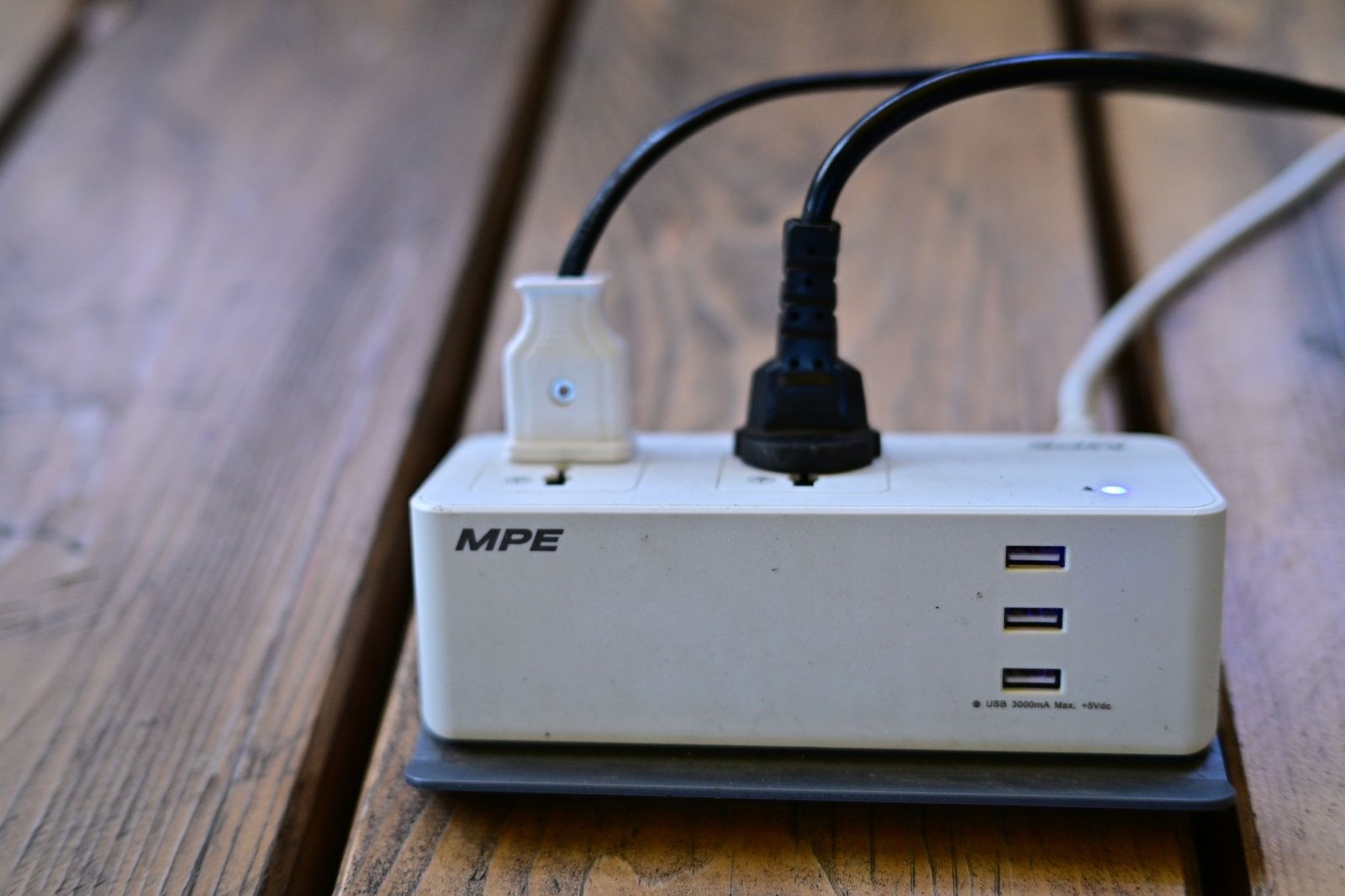
Smart plugs are the power muscles of your zero-click routine architecture. When a physical NFC tag is scanned, it ultimately issues a command to cut or deliver alternating current to lamps, monitors, chargers, and environmental control units. Choosing inferior plugs introduces severe safety hazards, including thermal runaway, relay chatter, and unexpected drop-offs from your local wireless network.
Prioritize smart plugs that communicate over local mesh protocols such as Zigbee 3.0 or Thread rather than pure cloud-based Wi-Fi models. Zigbee and Thread devices operate on independent radio frequencies that do not congest your primary router, and they execute commands locally without routing data through remote servers in foreign data centers. For users exploring advanced energy monitoring, integrating these hardware switches forms the backbone of comprehensive automated energy management strategies, as detailed in our guide on automating home energy grids with obscure Raspberry Pi scripts.
Amperage ratings and relay durability represent critical safety metrics that are frequently overlooked by hobbyists. Ensure your selected smart plugs are rated for at least 15 amperes (1800 watts at standard residential voltage) to safely handle inductive loads like space heaters, multi-monitor power strips, and high-draw workstation towers. Always verify that the hardware carries recognized safety certifications such as UL, ETL, or CE to guarantee internal thermal fuse protection.
Establishing the Local Software Pipeline: Bridging NFC to Home Hubs
The magic of zero-click automation lies in the seamless translation of a radio frequency handshake into a definitive network command. When your phone taps an NFC tag, the operating system reads the encoded identifier or URI. Instead of merely opening a web page, modern automation software intercepts this read event and fires a structured payload directly to your local home automation server.
For iOS users, the Apple Shortcuts application provides a robust execution environment where an NFC trigger can instantly execute an automation without requiring confirmation banners if configured correctly. By utilizing the ‘Get Contents of URL’ action, your phone can dispatch a secure POST request to a local Home Assistant webhook endpoint. Android users enjoy even deeper integration through Tasker or MacroDroid, allowing background execution of complex shell scripts, local API calls, and Bluetooth state changes upon reading a specific tag UID.
Establishing this local pipeline eliminates the sluggish round-trip times associated with cloud APIs. When your smartphone communicates directly with your home hub over your local subnet, execution latency drops from an erratic two seconds to a deterministic fraction of a second. This instantaneous physical response trains your brain to trust the automation completely, reinforcing positive daily habits and removing any hesitation during routine transitions.
Designing the Morning Wake-Up Loop: From Bedside Scan to Daylight Simulation
Morning routines suffer from the snooze button paradox: the easier it is to stay in bed, the longer you remain trapped in sleep inertia. By placing an NFC tag on your nightstand or the far wall of your bedroom, you force a deliberate physical movement that kickstarts your circadian rhythm before executive fatigue can sabotage your morning.
Program your morning NFC tag to execute a multi-stage automation sequence. First, command your bedroom smart plug to power on a high-intensity daylight-spectrum desk lamp across the room, forcing you to stand up to turn it off or adjust it. Second, trigger your smart thermostat to elevate the ambient room temperature by two degrees to counteract morning chill. Third, disable your white noise machine and begin streaming your preferred morning briefing or energizing instrumental audio playlist.
Maintaining physical organization around your bedside is essential to ensure this routine functions flawlessly without cable clutter or tangled wires. Utilizing simple mechanical cable management techniques, similar to those outlined in our tutorial on using string and binder clips to hide cable clutter permanently, keeps your charging docks and smart plug cables locked securely in place so your morning interaction remains snag-free.
Constructing the Deep Work Anchor: Optimizing the Office Transition
Transitioning from administrative chaos into high-focus deep work requires building an environmental sanctuary that signals total mental immersion. Multitasking and context switching destroy cognitive output, making environmental control a mandatory component of professional productivity engineering. Your desk should act as a physical temple of focus.
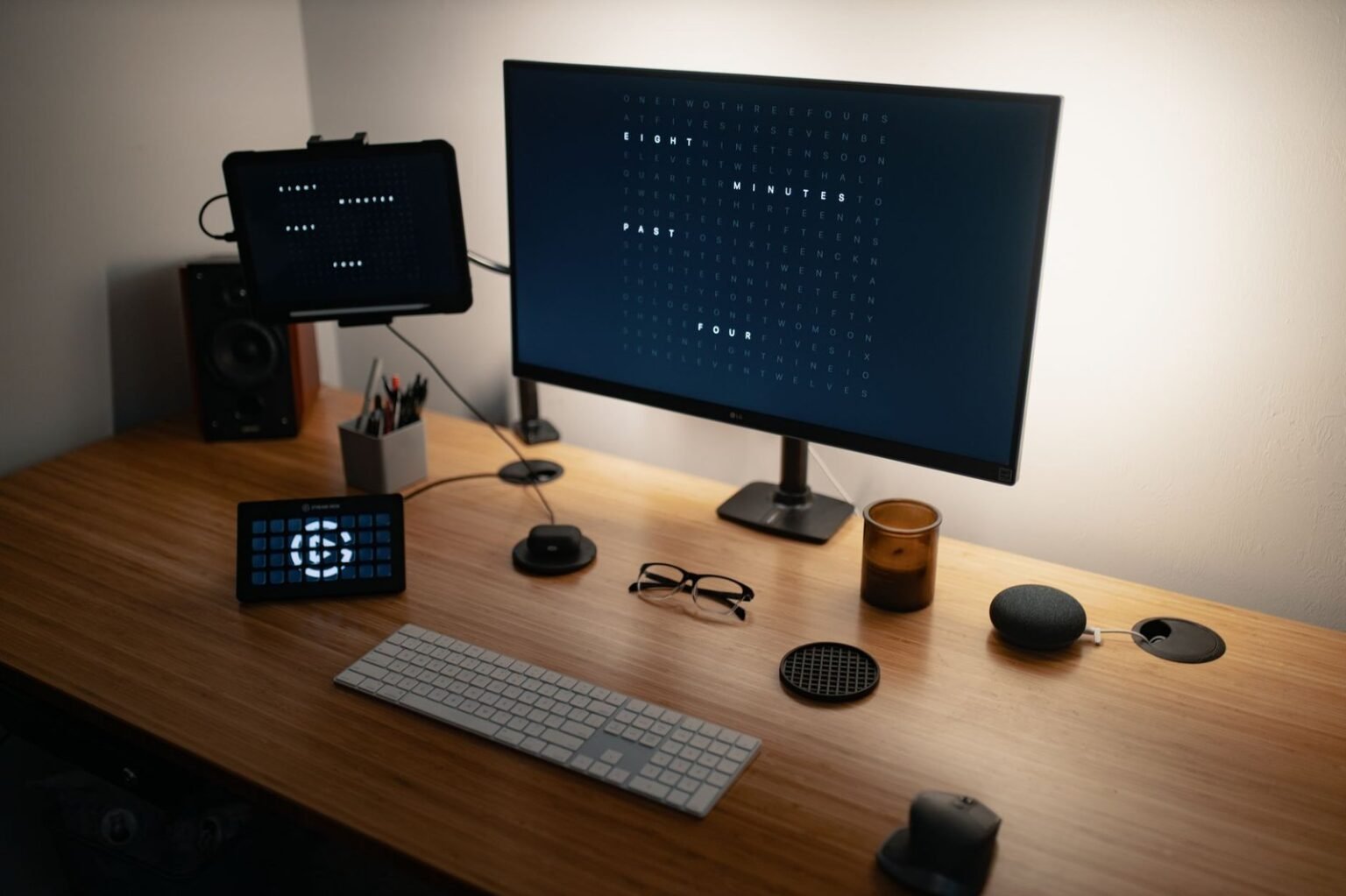
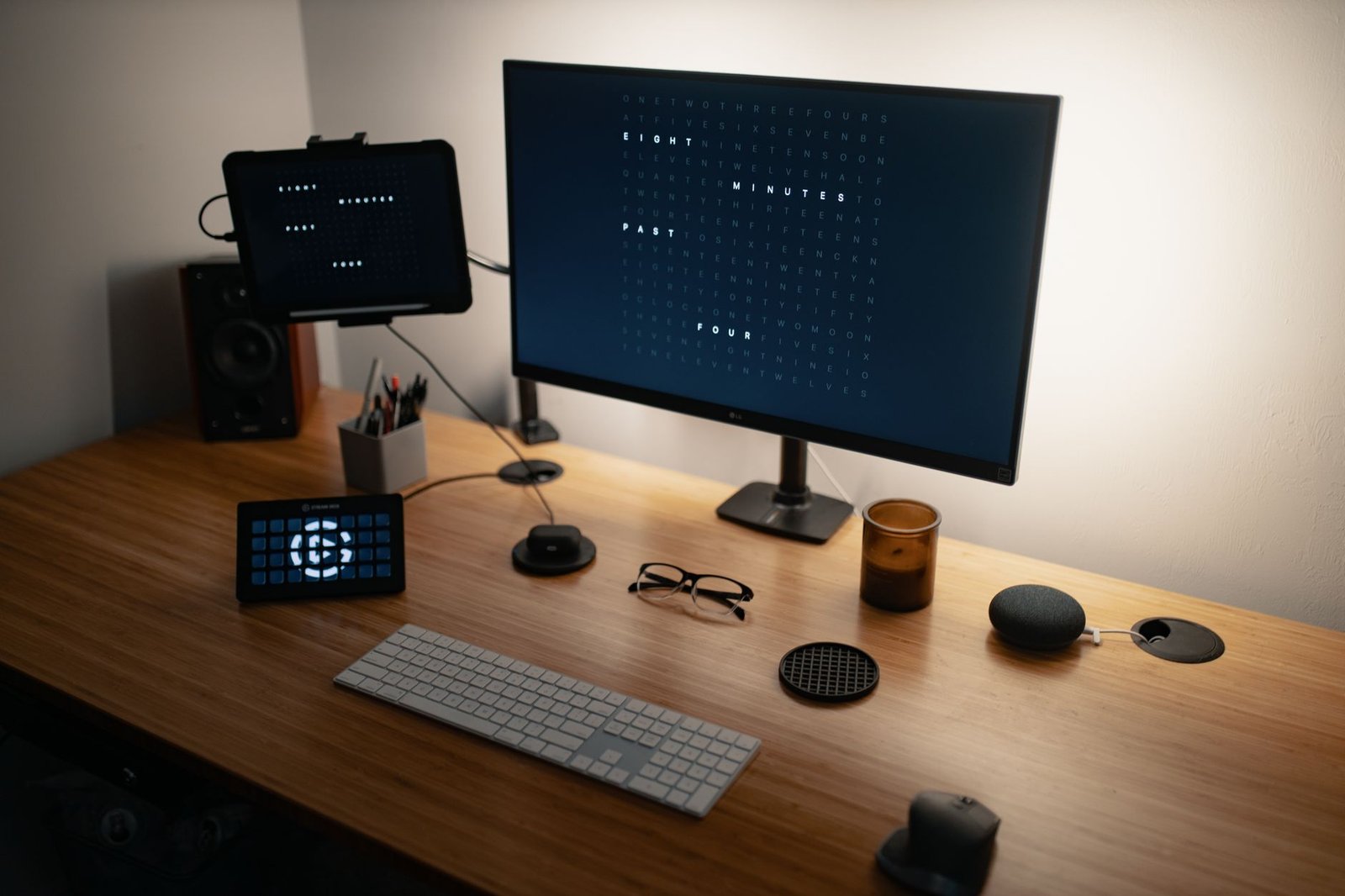
Affix an NTAG215 sticker to the underside of your desk surface right where your right knee rests, or onto a dedicated coaster where you rest your coffee cup. Tapping your smartphone against this anchor initiates your deep work routine stack. The automation server immediately commands smart plugs to power on your primary monitor hub, energize your active noise-canceling headphone charging stand, and activate bias lighting behind your displays set to a calming 4000K neutral white.
Simultaneously, the script can push instructions to your computer operating system via local network daemons to close communication applications, enable do-not-disturb modes, and launch your primary writing or coding environments. This total environmental lockdown occurs in under one second, eliminating the dozens of micro-decisions that typically plague the start of a deep work session and preserving your mental energy for complex problem-solving.
The Digital Burnout Reset: Designing the Evening Shutdown Sequence
Just as important as ramping up focus is winding down at the end of a strenuous workday. Failing to establish a hard boundary between work and personal life leads directly to chronic exhaustion and sleep deprivation. Zero-click automation can enforce this boundary for you by physically cutting off power to professional peripherals when the workday concludes.
Place an NFC tag near your office doorway or on the spine of your notebook. When you tap it on your way out for the evening, the routine initiates a graceful shutdown sequence. Smart plugs cutting power to your work laptop dock, secondary monitors, and desk accessories ensure that phantom vampire loads are eliminated and that you cannot casually slide back into work emails from the couch.
This physical ritual acts as a psychological capstone to your professional day, providing the mental closure necessary to transition into personal relaxation without lingering cognitive residue. For a deeper exploration into maintaining psychological boundaries and recharging your cognitive stamina, review our insights on digital burnout and structuring a 5-minute desk loop for ultimate recovery.

Advanced Error Handling and Fallback Protocols in Local Automation
Reliability is the ultimate test of any engineering project. When your home automation relies on physical triggers, unexpected failures such as a dead smartphone battery, a rebooting local hub, or a dropped Wi-Fi association can break the chain. Implementing robust fallback protocols ensures your physical environment remains functional even when the automation pipeline encounters an exception.
Every smart plug integrated into your zero-click architecture should retain manual physical override capabilities. Never deploy smart switches that lack a physical relay button on the chassis itself. If your home network suffers a catastrophic failure during a thunderstorm, you must still be able to manually depress the plug button to restore power to essential appliances like lamps and fans.
Within your automation server, construct error-catching routines that log failed webhooks and send silent push notifications to your mobile device if a smart plug fails to report its state change within three seconds of receiving an NFC trigger. Implementing retry logic within your local API scripts ensures that momentary wireless interference does not result in a dropped routine command.
Always encode your NFC tags with absolute URIs pointing to local IP addresses or secure internal DNS names rather than vendor-specific cloud deep links. This guarantees that your routines continue functioning seamlessly even during internet service provider outages.
Security Considerations: Preventing Unauthorized NFC Triggering
As you wire physical triggers into your living space, security must remain a top priority. Because NFC operates over extremely short ranges (typically less than four centimeters), the risk of malicious remote scanning is negligible. However, physical tampering or unauthorized local access to your tags remains a theoretical vector that demands proper mitigation.
Never encode raw administrative credentials, Wi-Fi passwords, or unauthenticated root API keys directly into the memory blocks of your NFC tags. Instead, encode unique alphanumeric token strings or cryptographic UUIDs. When your phone reads the tag, the local automation server validates the incoming UUID against a secure access control list before executing any high-privilege actions like unlocking doors or toggling high-voltage circuits.
Furthermore, configure your smartphone operating system to require device unlocking before allowing background NFC automation routines to execute. While this adds a microsecond of friction to the scan interaction, it prevents unauthorized individuals from picking up your phone, tapping it against your desk tag, and wreaking havoc on your home electronics.
The Four-Week Progressive Implementation Blueprint
Deploying a comprehensive zero-click automation architecture should be approached methodically to prevent cognitive overload and ensure hardware stability. Rushing to automate every room in your house simultaneously often results in complex troubleshooting nightmares and abandoned systems.
Follow this structured four-week deployment plan to build your system sustainably:
- Week 1 – Foundation & Bedside: Install your local automation hub (Home Assistant or equivalent), configure your first two smart plugs, and deploy a single morning routine NFC tag on your nightstand.
- Week 2 – Office Integration: Introduce desk smart plugs and apply a deep work NFC tag to your workspace. Test focus routines and refine execution latencies.
- Week 3 – Evening Shutdown: Implement the departure and wind-down routines by placing tags near entryways and living room relaxation zones.
- Week 4 – Optimization & Fallbacks: Audit all routine failure rates, write robust error-handling scripts, and ensure manual physical overrides are fully operational on all smart plugs.
Troubleshooting Common NFC and Smart Plug Failures
Even meticulously engineered systems encounter occasional anomalies. Diagnosing issues within a hybrid physical-digital automation pipeline requires a systematic approach to isolating failure points between the NFC tag, the smartphone reader, the local network, and the smart plug relay.
If scanning an NFC tag produces no response on your smartphone, first test the tag using a generic NFC diagnostic app to verify that the IC chip is readable and undamaged. If the chip reads correctly but the automation fails to fire, inspect your smartphone shortcut configuration to ensure background execution permissions are enabled and that your local network SSID matches the expected trigger condition.
If your smartphone successfully dispatches the webhook but the smart plug fails to actuate, check your local mesh network topology. Zigbee and Thread devices rely on robust routing nodes (such as mains-powered smart plugs and wall switches) to maintain mesh integrity. Ensure your smart plugs are positioned within direct line of sight or adequate signal range of your primary coordinator hub to prevent packet loss.
Never connect high-draw heating appliances, heavy kitchen ranges, or uncertified power tools to standard consumer smart plugs. Overloading smart plug relays can cause catastrophic overheating, melting plastic housings, and severe electrical fire hazards.
Frequently Asked Questions
Can I use NFC tags with smart plugs without owning a dedicated home automation hub?
Yes, you can operate basic routines using platform-native companion apps such as Apple Home or Google Home paired with vendor-specific smart plugs. When you scan an NFC tag with your smartphone, the native app can trigger a preset scene or accessory state directly.
However, relying solely on cloud-based manufacturer apps introduces notable latency and vulnerability to internet outages. Implementing a local home hub like Home Assistant unlocks advanced conditional logic, multi-device chaining, and sub-second execution speeds that purely cloud-connected ecosystems simply cannot match.
What makes NTAG215 superior to other NFC tag chips for home automation projects?
The NTAG215 chip strikes the optimal balance between memory capacity, cost, and universal smartphone compatibility. With 504 bytes of user memory, it provides ample space to store complex URLs, deep-link parameters, and JSON payloads without requiring external web redirection services.
Smaller chips like the NTAG213 lack sufficient storage for rich payloads, forcing reliance on external short URLs that break if third-party redirect servers go offline. Conversely, larger chips like the NTAG216 offer excessive storage that goes unused while introducing higher hardware costs and slower read latencies.
How do I prevent my smartphone from asking for confirmation every time I scan an NFC tag?
On iOS devices, running shortcuts via NFC automation triggers historically required manual confirmation banners. You can bypass this by ensuring that your shortcut consists entirely of local actions or secure local webhook API requests, and by disabling the ‘Ask Before Running’ toggle within the specific automation settings in the Shortcuts app.
On Android devices, applications like Tasker or MacroDroid allow entirely silent background execution without any user intervention, provided the operating system battery optimization settings are configured to prevent the automation app from being put to sleep by the system kernel.
What are the primary security risks of deploying NFC tags around my living space?
The physical nature of NFC requires close proximity (typically under four centimeters), making remote interception virtually impossible. The primary risk involves physical tampering where an unauthorized person might replace your tag with one pointing to a malicious URL.
To mitigate this threat, always encode unique cryptographic tokens or internal UUIDs rather than raw administrative credentials. Configure your automation server to validate incoming requests against a secure access control list, and require your smartphone to be unlocked before allowing background NFC triggers to execute.
How can I ensure my automation routines continue working during a power outage or internet failure?
To maintain resilience against internet service disruptions, design your automation architecture around local-first communication protocols such as Zigbee, Thread, and local REST APIs. Ensure your home automation hub and local Wi-Fi router are plugged into an uninterruptible power supply.
Furthermore, verify that all smart plugs retain physical push-button overrides on their hardware chassis. This guarantees that even if your network hub crashes or power fails completely, you retain the ability to manually control connected appliances.