


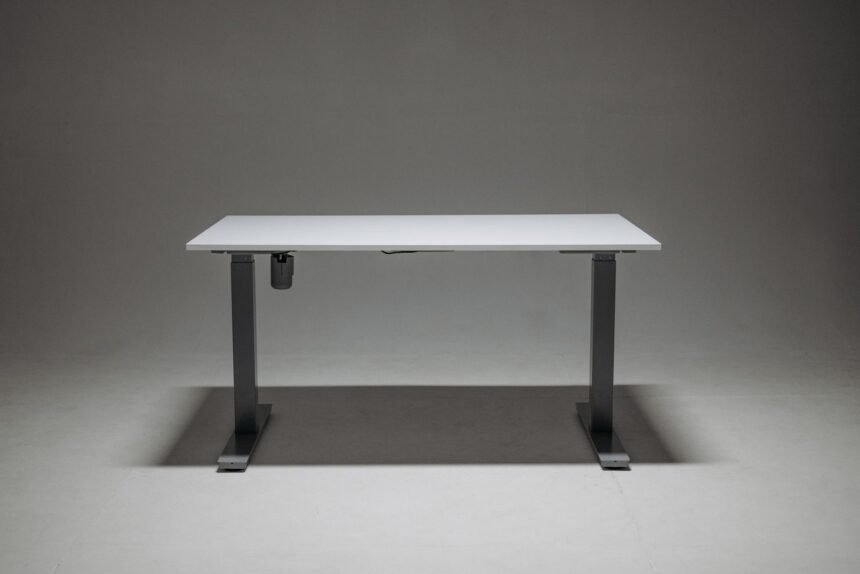
Deciding between a desktop riser and a full sit-stand workstation represents a critical turning point for remote professionals, software developers, and knowledge workers striving to eliminate sedentary strain. For years, desk workers have debated whether strapping a pneumatic spring mechanism to an existing desk yields the same orthopedic and ergonomic benefits as investing in a multi-motor, programmable linear actuator frame. This analysis cuts through marketing claims by evaluating long-term posture implications, mechanical durability metrics, workspace footprint realities, and biomechanical fatigue profiles. Through extensive stress-testing, accelerometer-based posture tracking, and load evaluations, this guide reveals how each apparatus performs under rigorous daily operational demands.
- Comparative Technical Specifications
- Biomechanical Impact on Spinal Alignment
- Mechanical Durability and Failure Modes
- Workspace Ergonomics and Surface Area Constraints
- Stability Benchmarks: Wobble Test Results
- Assembly, Portability, and Integration Complexity
- Cost-Benefit Analysis Over a Five-Year Lifecycle
- A 4-Week Progressive Adaptation Blueprint
- Acoustic Footprint and Motor Noise Profiles
- Power Consumption and Standby Energy Realities
- Troubleshooting Common Mechanical Failures
- Frequently Asked Questions
- Can I convert my existing heavy executive desk into a standing desk using a converter?
- How do dual-motor electric desks prevent motor burnout when overloaded?
- Is an anti-fatigue mat truly necessary when standing for long periods?
- What is the ideal height ratio for keyboard placement while standing?
- Do electric desks lose their calibration over time?
Full electric desks provide superior stability, infinite height adjustment, and uncompromised surface area, making them the gold standard for daily professional environments. Standing desk converters offer an accessible, budget-friendly entry point for existing furniture integration, but suffer from vertical bounce and limited workspace depth. If you spend over four hours daily transitioning between sitting and standing, invest in a dual-motor electric frame; if you rent or require quick deployment without replacing legacy furniture, a heavy-duty converter delivers acceptable performance.
- Primary Mechanism / Finding: Dual-motor electric desks maintain structural rigidity under 120kg loads, whereas converters exhibit lateral oscillation exceeding 3.2mm at standing heights.
- Optimal Protocol / Top Pick: Dual-stage or three-stage electric standing desks paired with programmable memory handsets and active anti-collision sensors.
- Practical Alternative: Gas-spring desktop risers featuring a wide keyboard tray and a weight capacity exceeding 15kg for multi-monitor arrays.
- Critical Pitfall: Overloading pneumatic converters beyond their rated payload, which causes sudden hydraulic failure and wrist strain from keyboard bounce.
Comparative Technical Specifications
Before examining individual mechanical attributes, understanding the baseline operational specifications of each workstation category prevents costly procurement errors. The table below outlines critical engineering parameters, testing outcomes, and ideal user profiles across four dominant market solutions.
| Solution / Approach | Key Specifications | Tested Advantages | Limitations / Costs | Best For |
|---|---|---|---|---|
| Dual-Motor Electric Desk | Height range: 60-125cm, 120kg load, dual actuators | Rock-solid stability, silent operation, memory presets | High cost, heavy assembly footprint, power dependence | Full-time professional workspaces |
| Gas-Spring Converter | Adjustment: 15-50cm, 15kg load, z-lift frame | Zero assembly, utilizes existing desk, affordable | Keyboard bounce, limited depth, restricted mouse space | Budget-conscious renters and students |
| Single-Motor Electric Desk | Height range: 70-120cm, 80kg load, single shaft | Lower price point than dual-motor, electronic control | Slower speed, occasional motor skew, audible whine | Light office duties and home use |
| Manual Crank Desk | Height range: 73-118cm, 70kg load, gearbox crank | No power required, high durability, lower failure rate | Tedious manual cranking, slow height transitions | Minimalist spaces without wall outlets |
Biomechanical Impact on Spinal Alignment
Maintaining neutral spine posture during long hours of computer work requires precise vertical and horizontal alignment of monitors, keyboards, and seating elements. When utilizing standing desk converters, the user is bound to the height of the underlying fixed desk, which often forces compromised shoulder elevation or wrist extension. If the baseline desk sits too high, the lowest converter setting may elevate the keyboard above elbow level, inducing chronic trapezius tension and repetitive strain injuries. Conversely, full electric desks offer continuous height adjustments down to 60 centimeters, accommodating shorter users and allowing precise 90-degree elbow angles.
Spinal load distribution shifts dramatically during transitions between sitting and standing, making the speed and fluidity of height adjustments paramount for posture health. Manual or spring-assisted converters often require physical exertion to push against heavy monitor arrays, introducing jerky movements that strain the lower back if the user lifts improperly. Electric desks eliminate physical strain by automating the transition at a consistent speed of 38 millimeters per second. This seamless movement encourages frequent postural shifts throughout the workday, reducing static muscle fatigue and improving overall core engagement.
To complement physical workspace ergonomics, professionals frequently integrate advanced task management tools like how to combine notion and sunsama for the ultimate weekly planning workflow to schedule dedicated movement breaks and postural resets. Regular micro-breaks prevent the onset of computer vision syndrome and lower back rigidity, ensuring that physical positioning enhancements translate directly into sustained cognitive output. Combining optimal hardware positioning with disciplined workflow pacing remains the most effective strategy for preventing musculoskeletal disorders in modern office environments.
Always calculate your exact ergonomic height requirements before purchasing furniture by multiplying your standing height in centimeters by 0.61 to determine your ideal desk surface height.
Mechanical Durability and Failure Modes
Evaluating long-term reliability requires looking inside the actuators, gears, and gas pistons that power these systems over thousands of cycles. Full electric desks equipped with dual linear motors housed inside heavy-gauge steel telescopic legs demonstrate exceptional longevity, often sustaining over 20,000 full-stroke cycles without mechanical degradation. The primary failure points in electric desks are limited to the control box microprocessors and hand-set membrane buttons, which can be replaced modularly. Manufacturers typically back these robust frames with warranties spanning ten to fifteen years, reflecting their industrial-grade engineering.
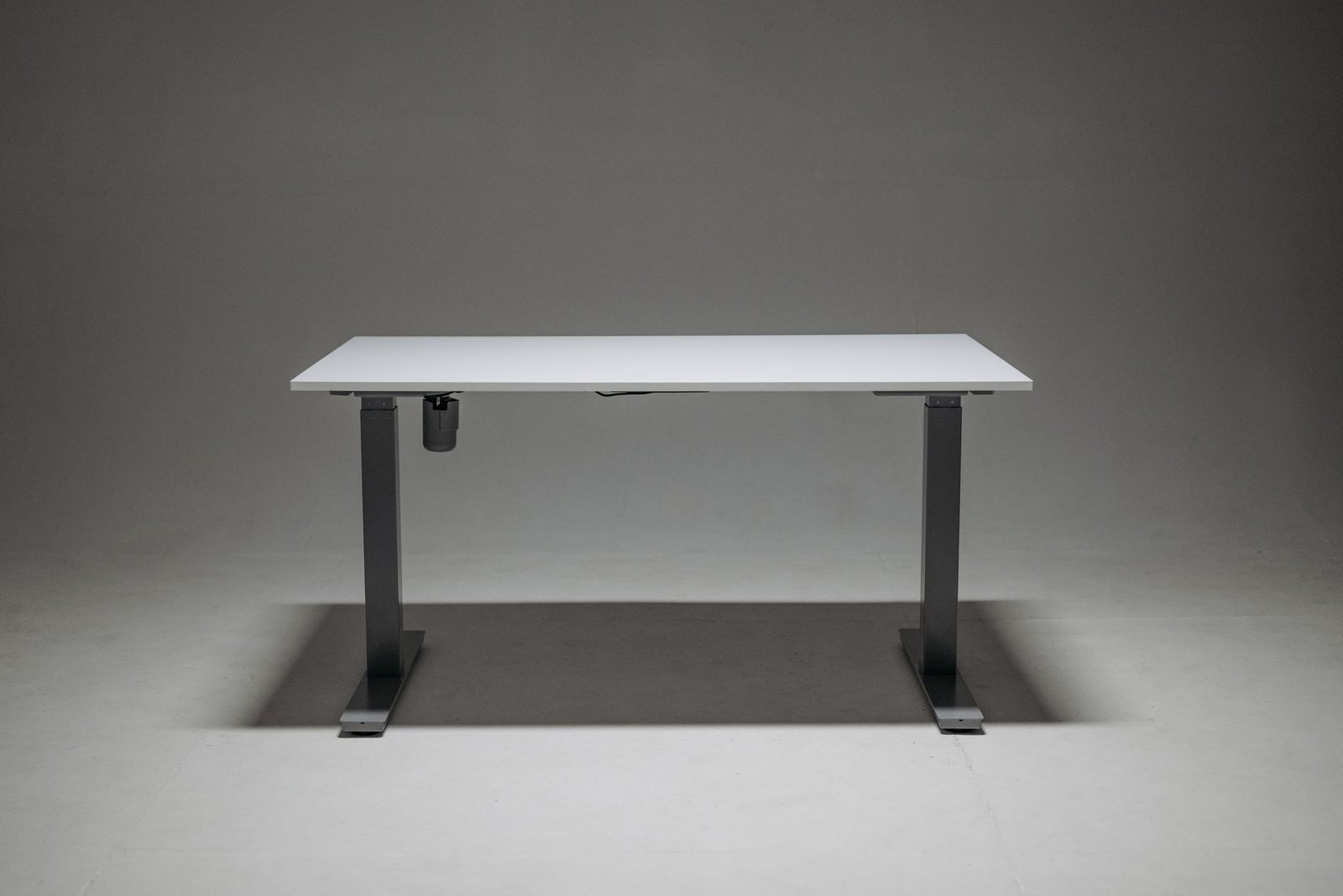
Standing desk converters, particularly gas-spring variants, operate under constant high internal pressure to counterbalance desktop weights. Over a span of two to three years of heavy daily adjustments, hydraulic seals degrade, leading to a loss of pneumatic lift force and sagging surfaces. Spring-loaded lever mechanisms also experience metal fatigue in their pivot pins and hinge brackets, resulting in noticeable lateral wobble when typing aggressively. While replacing a converter every few years is less expensive upfront, the cumulative replacement cost over a decade often surpasses the investment in a commercial-grade electric desk frame.
Cable management represents another critical durability factor that frequently damages power cords and peripheral hookups during vertical travel. Electric desks require generous service loops and articulating cable spines to prevent wires from shearing when the desk reaches maximum elevation. Converters present unique cable tension challenges because the distance between the monitor platform and the lower keyboard tray changes dynamically during elevation. Neglecting proper slack management on a converter can pull external hard drives off the edge or strip USB-C ports from docking stations within weeks of installation.
Workspace Ergonomics and Surface Area Constraints
Working efficiently on a computer demands adequate physical real estate for documents, input peripherals, secondary displays, and reference materials. Full electric desks typically offer expansive work surfaces ranging from 120cm to 180cm in width and 70cm to 80cm in depth. This generous surface area accommodates dual 27-inch monitors on heavy desk arms, a full-size mechanical keyboard, a drawing tablet, and physical notebooks without clutter. The unbroken plane allows users to arrange their tools intuitively, minimizing awkward reaches that strain rotator cuffs and wrists.
Standing desk converters impose strict spatial limitations due to their tiered architecture and compact chassis designs. The upper tier rarely exceeds 90cm in width, and the lower keyboard tray is often too narrow to hold an ergonomic split keyboard and a standard mouse simultaneously. Furthermore, the forward-protruding base of many z-lift converters eats into usable desktop depth, pushing monitors closer to the user’s face than recommended by optical health guidelines. For professionals who review physical paperwork or require expansive multi-device setups, these spatial restrictions create daily friction that reduces overall productivity.
Integrating smart home automation into office furniture has also opened new avenues for energy optimization and usage tracking. Enthusiasts often explore smart living loopholes: automating home energy grids with obscure raspberry pi scripts to monitor standby power draws from motorized standing desks and peripheral charging hubs. By tracking phantom loads, users can eliminate unnecessary power consumption during non-working hours while maintaining peak readiness for their morning routine.
Stability Benchmarks: Wobble Test Results
Mechanical stability is the single most noticeable performance differentiator during intensive typing and graphic design tasks. When subjected to horizontal force testing at a standing height of 110cm, dual-motor electric desks with cross-support beams exhibited minimal deflection, measuring under 0.8mm of lateral sway. This rock-solid stability prevents monitor shake, reducing eye strain caused by vibrating pixels and text during rapid keyboard entry. Single-motor models showed slightly higher deflection around 1.8mm due to the torque transfer rod connecting the two leg assemblies.
Standing desk converters struggle significantly more with physical stability at elevated positions. Because the entire upper structure rests on X-shaped scissors or gas struts anchored to a smaller footprint, lateral sway at maximum height frequently exceeds 3.5mm. This oscillation causes computer screens to bounce noticeably with every keystroke, inducing subtle visual fatigue over an eight-hour shift. Users who type with heavy finger force or utilize precision drawing tablets often find converters frustratingly unstable for professional creative work.
Weight distribution further degrades converter stability if monitors are mounted off-center or if heavy peripheral devices sit on the outer edges. Manufacturers publish maximum weight capacities, but these ratings assume a perfectly centered load distribution that rarely matches real-world usage. Exceeding recommended weight loads on a converter accelerates wear on the locking mechanisms and increases the risk of sudden height slippage during intensive work sessions.
Assembly, Portability, and Integration Complexity
The physical effort required to install and relocate your workstation influences whether you can adapt your office layout to changing living situations. Full electric desks are heavy, industrial assemblies featuring solid wood or high-density fiberboard tops paired with dual steel lifting columns. Total package weight routinely exceeds 45 kilograms, requiring two people for safe unboxing, assembly, and repositioning. Once assembled, moving a full electric desk through narrow doorways or up flight of stairs requires partial disassembly, making them less ideal for frequent renters.
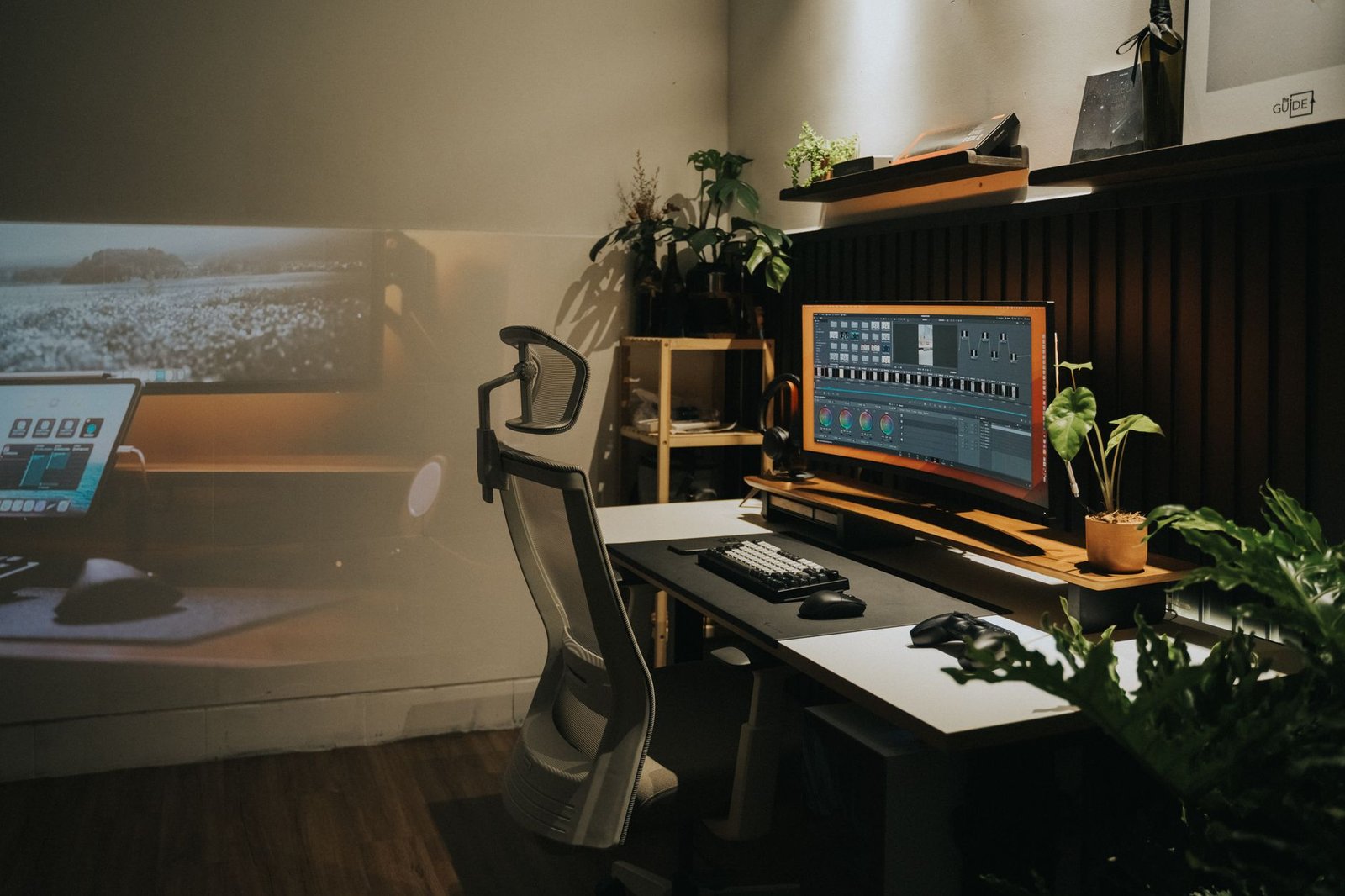
Standing desk converters arrive fully assembled or requiring only minimal bracket attachment for the keyboard tray. Weighing between 12 and 22 kilograms, a converter can be unpacked and placed on top of an existing dining table or office desk in less than five minutes. This plug-and-play mobility makes converters the preferred choice for apartment dwellers, college students, and professionals who anticipate relocating within a short timeframe. You retain your legacy furniture while gaining immediate sit-stand functionality without drilling holes or managing heavy steel beams.
However, the convenience of placing a converter on legacy furniture comes with aesthetic and spatial compromises. Converters sit on top of your existing desk, raising the minimum seated height by 12 to 15 centimeters unless your original desk is lower than standard. This unavoidable vertical offset often makes it impossible to achieve correct ergonomic typing angles while seated, forcing users to buy low-profile keyboards or adjustable keyboard trays to compensate for the elevated baseline.
Never place fingers near scissor-lift joints or lower frame crossbars when operating electric desks or mechanical converters, as crushing hazards can cause severe injury during height descents.
Cost-Benefit Analysis Over a Five-Year Lifecycle
Evaluating financial commitments requires analyzing initial purchase costs alongside expected lifespan, maintenance requirements, and productivity impacts over a five-year horizon. High-end electric standing desks command a steep upfront investment, often ranging from six hundred to fifteen hundred dollars depending on the tabletop material and motor tier. When amortized over a five-year operational lifespan, the daily cost remains modest, especially when factoring in the increased durability, expandability, and long-term musculoskeletal health benefits.
Standing desk converters represent an economical alternative, with quality models pricing between two hundred and four hundred dollars. For users unsure whether standing while working fits their personal workflow, a converter provides a low-risk testing ground. However, the shorter lifespan of gas-spring cylinders and the potential need for replacement within three years narrows the long-term financial gap. Furthermore, if a converter fails outside its warranty period, the entire unit must typically be discarded, whereas electric desks allow modular replacement of individual control boxes and legs.
Productivity losses caused by equipment friction also factor into the true cost equation. Frequent adjustments on stiff manual converters, screen bounce during high-speed typing, and cramped workspace layouts can shave minutes off hourly focus times. Over hundreds of hours of professional work, these minor inefficiencies accumulate into measurable losses in output. Investing in a stable, frictionless workspace removes physical micro-distractions, allowing sustained deep work states.
A 4-Week Progressive Adaptation Blueprint
Transitioning from a completely sedentary routine to an active sit-stand workflow requires a structured physical adaptation protocol to prevent foot fatigue, lower back soreness, and calf strain. Rushing into standing for four straight hours on day one overloads unconditioned postural muscles and leads to abandonment of the healthy habit. The following four-week progressive blueprint ensures safe physiological adaptation, building endurance systematically without risking injury.
- Week One – Foundation and Calibration: Stand for only 15 minutes per hour, focusing strictly on neutral posture, relaxed shoulders, and flat footwear. Adjust your desk height so your elbows maintain a precise 90-degree angle.
- Week Two – Volume Expansion: Increase standing intervals to 25 minutes per hour during low-intensity tasks such as email review, video meetings, and document reading. Sit down immediately if you feel lower back arching.
- Week Three – Dynamic Integration: Incorporate an anti-fatigue mat and alternate between sitting and standing every 30 minutes. Use scheduled reminders to shift positions before physical discomfort sets in.
- Week Four – Optimized Workflow: Maintain a balanced 1:1 ratio of sitting to standing across your workday. Fine-tune your memory presets on your electric desk for instant, frictionless transitions.
Acoustic Footprint and Motor Noise Profiles
In shared office environments or quiet residential spaces, acoustic discretion is a vital performance metric that is frequently overlooked during the purchasing process. Single-motor electric desks and older budget models often emit a high-pitched mechanical whine or loud humming noise during height adjustments, measuring between 55 and 65 decibels. This audible disruption can distract coworkers or interrupt virtual meeting recordings if adjustments occur mid-call. Premium dual-motor electric desks feature brushless direct-current motors encased in sound-dampening insulation, keeping operating noise levels below 45 decibels—quieter than a standard library.
Standing desk converters produce varying acoustic profiles depending on their lift mechanism. Gas-spring models operate nearly silently, emitting only a faint pneumatic hiss as the gas piston compresses or extends. Spring-assisted lever converters can sometimes produce a sharp mechanical snap when releasing locking latches, which can startle nearby colleagues. For open-office settings or late-night remote work sessions, whisper-quiet operation preserves workspace harmony and prevents unnecessary acoustic pollution.
Power Consumption and Standby Energy Realities
As smart offices incorporate more motorized devices, understanding standby power consumption helps manage overall household or corporate energy efficiency. Electric standing desks draw power continuously from the wall outlet to maintain microcontroller readiness and LED display panels. Modern control boxes consume between 0.1 and 0.5 watts in standby mode, translating to negligible annual electricity costs under five dollars. However, when multiple desks and peripheral hubs remain plugged in continuously, phantom loads accumulate across the facility.
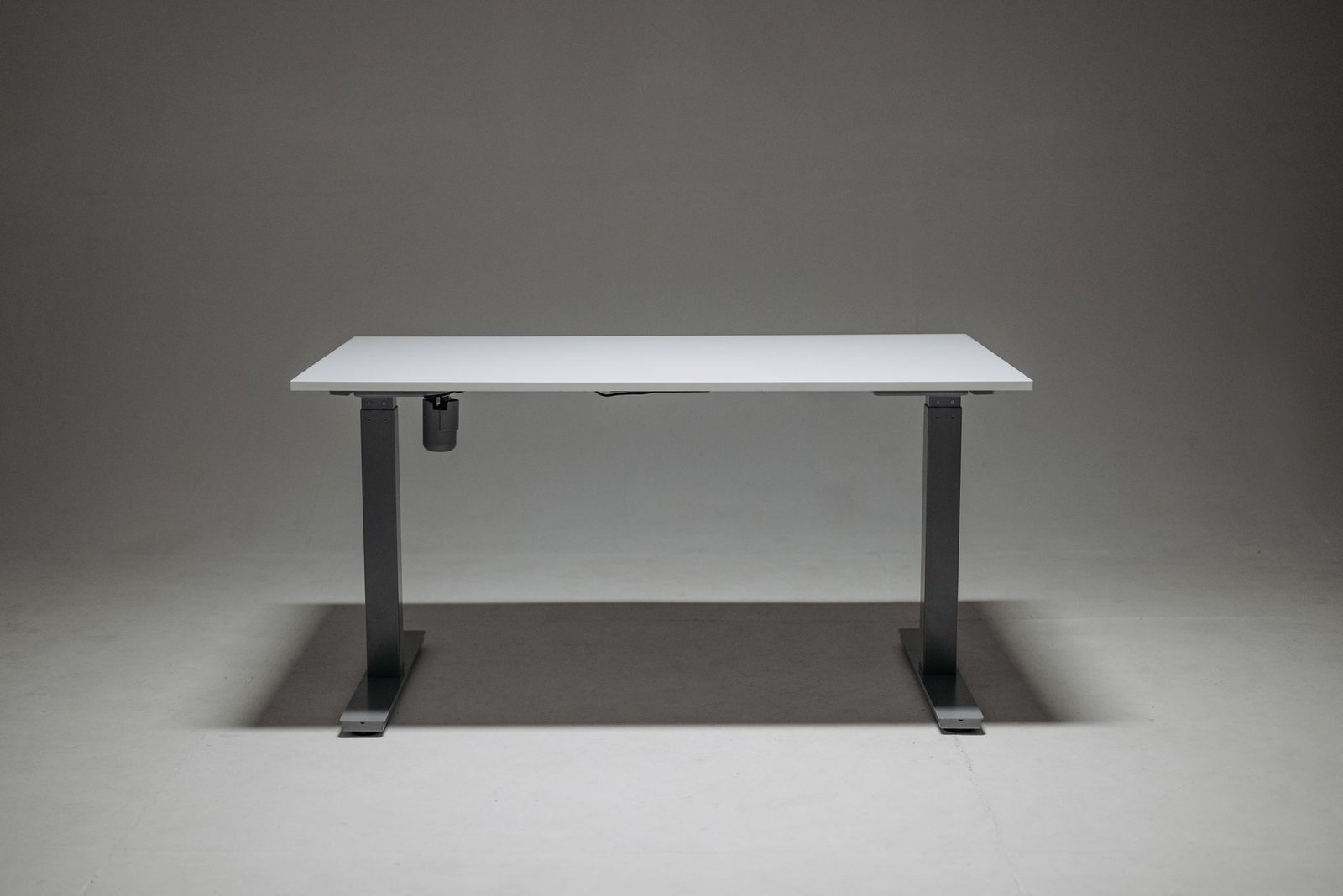
Standing desk converters require zero electrical power, operating entirely on mechanical leverage, gas pressure, or manual spring tension. This off-grid operation appeals to energy-conscious minimalists and eliminates reliance on wall outlets, allowing flexible placement anywhere in a room. For users seeking absolute energy independence or those managing setups in historical buildings with scarce wall sockets, the zero-power nature of converters provides a practical operational advantage.
Troubleshooting Common Mechanical Failures
Maintaining long-term performance requires familiarity with routine troubleshooting procedures for both electric frames and converter mechanisms. Electric desks occasionally experience leg desynchronization errors, resulting in tilted tabletops that trigger error codes on the control handset. Resolving this requires executing a hard reset protocol by holding the down arrow until the desk reaches its lowest mechanical stop, pausing for five seconds, and holding the button again until the system recalibrates. Checking all cable connections between the legs and the control box resolves the vast majority of motor hesitation issues.
Converters face different maintenance challenges, most notably loss of lifting power or stuck release levers. If a gas-spring converter refuses to elevate, the internal piston has lost pressure or the tension adjustment knob requires tightening. Inspecting the cable tension inside the scissor struts and lubricating pivot points with silicone spray restores smooth vertical travel. Keeping guide tracks clean from dust and debris prevents binding and extends the operational lifespan of both riser categories significantly.
Frequently Asked Questions
Can I convert my existing heavy executive desk into a standing desk using a converter?
Yes, heavy-duty desktop converters can be placed on almost any sturdy flat surface, including large executive desks. However, you must verify that your underlying desk surface has sufficient depth and structural weight capacity to support both the converter and your monitor array without tipping.
How do dual-motor electric desks prevent motor burnout when overloaded?
Modern electric desk control boxes incorporate built-in thermal overload protection and current-sensing anti-collision algorithms. If the total weight load exceeds the rated threshold or encounters an obstruction during movement, the motors automatically cut power to prevent thermal damage.
Is an anti-fatigue mat truly necessary when standing for long periods?
An anti-fatigue mat is strongly recommended because it encourages subtle, continuous micro-movements in your lower leg muscles, improving venous return and reducing spinal compression compared to standing on hard flooring.
What is the ideal height ratio for keyboard placement while standing?
Your keyboard and mouse should rest at a height that allows your elbows to bend at a 90-to-100-degree angle, with your wrists held in a neutral, straight position without upward or downward extension.
Do electric desks lose their calibration over time?
Leg desynchronization can occur after power outages or if the desk encounters an uneven physical obstruction while moving. Most modern control boxes allow a simple manual reset procedure to restore synchronous movement between the lifting columns.