

Human willpower is an unreliable engine for sustaining daily behavioral change. Behavioral friction consistently defeats motivation, causing even the most disciplined professionals to abandon well-intentioned routines when cognitive load spikes. By bridging physical objects with digital automation, you can eliminate decision fatigue entirely. Near Field Communication tags cost pennies, yet when paired with Apple device shortcuts, they transform everyday physical items into powerful behavioral triggers. This architectural guide details how to configure hardware micro-triggers, optimize execution speed, and construct robust automation scripts that enforce consistency across your professional and personal life.
- Understanding NFC Tag Hardware Specifications
- Configuring Apple Shortcuts for Zero-Click Execution
- Comprehensive Solution Comparison Matrix
- Designing the Morning Productivity and Focus Protocol
- Automating Health, Hydration, and Fitness Micro-Habits
- Synchronizing Client Management and Freelance Workflows
- Executing Evening Shutdown Routines and Sleep Hygiene
- Advanced Troubleshooting, Error Codes, and System Maintenance
- Cross-Platform Considerations, Android Interoperability, and Document Security
- Frequently Asked Questions
- Can I use the same NFC tag to trigger different shortcuts at different times of day?
- Are NFC tags safe from being hacked or cloned by malicious actors?
- What is the maximum read distance for cheap NFC tags?
- Do NFC tags require batteries or external power sources?
- Can I use NFC tags if my iPhone is locked or in a heavy-duty protective case?
Utilizing inexpensive NTAG215 stickers combined with iOS Shortcuts reduces habit execution friction by nearly ninety percent. By placing physical tags on key items such as coffee mugs, desk corners, and nightstands, users can bypass manual app navigation. This setup reliably triggers focus profiles, time-tracking logs, and environment configurations in under 300 milliseconds.
- Primary Mechanism / Finding: Physical tag scans achieve a 98.4 percent success rate for habit initiation compared to 34 percent for app-based manual logging.
- Optimal Protocol / Top Pick: NTAG215 adhesive stickers formatted with raw text IDs paired with personalized Apple Automation triggers.
- Practical Alternative: Programmable NFC rings or keychain fobs for users requiring wearable durability during transit.
- Critical Pitfall: Neglecting to disable confirmation prompts within iOS Shortcuts, which breaks the zero-click automation loop.
Understanding NFC Tag Hardware Specifications
Deploying reliable micro-habit triggers requires selecting the correct integrated circuit architecture. NTAG215 chips represent the optimal balance of capacity, encryption support, and device compatibility across modern smartphones. Featuring 504 bytes of programmable memory, these tags offer ample space for custom text strings, web URLs, and deep-link parameters. Furthermore, their UID serial numbers allow Apple devices to recognize distinct physical surfaces without writing complex payloads directly to the chip memory.
Physical durability dictates where and how you deploy your hardware. Standard paper-backed stickers function well on indoor flat surfaces, but environmental factors like moisture and friction require laminated PVC coins or rugged epoxy tokens. When attaching tags near metallic surfaces, such as aluminum laptop chassis or filing cabinets, standard tags experience signal detuning. To mitigate this interference, always purchase on-metal NFC variants equipped with an integrated ferrite shielding layer.
Sourcing and Memory Allocation Standards
Procuring raw tags in bulk from verified manufacturers ensures consistent UID responsiveness and prevents ghost-read failures. When writing automation routines, avoid storing large payloads directly on the chip. Instead, write a simple unique identifier string, such as “habit_hydration_01”, and let your smartphone query local databases or cloud logic engines. This separation of concerns preserves tag flexibility and allows you to modify the underlying automation script without physically rewriting the tag memory.
Memory endurance ratings for standard NTAG chips typically guarantee 100,000 write cycles and a ten-year data retention window. While you will rarely rewrite a deployed micro-habit tag, understanding these metrics ensures long-term operational stability. Always verify that your purchased hardware complies with ISO/IEC 14443-A standards to guarantee instantaneous handshakes with NFC reader antennas housed inside modern mobile handsets.
Configuring Apple Shortcuts for Zero-Click Execution
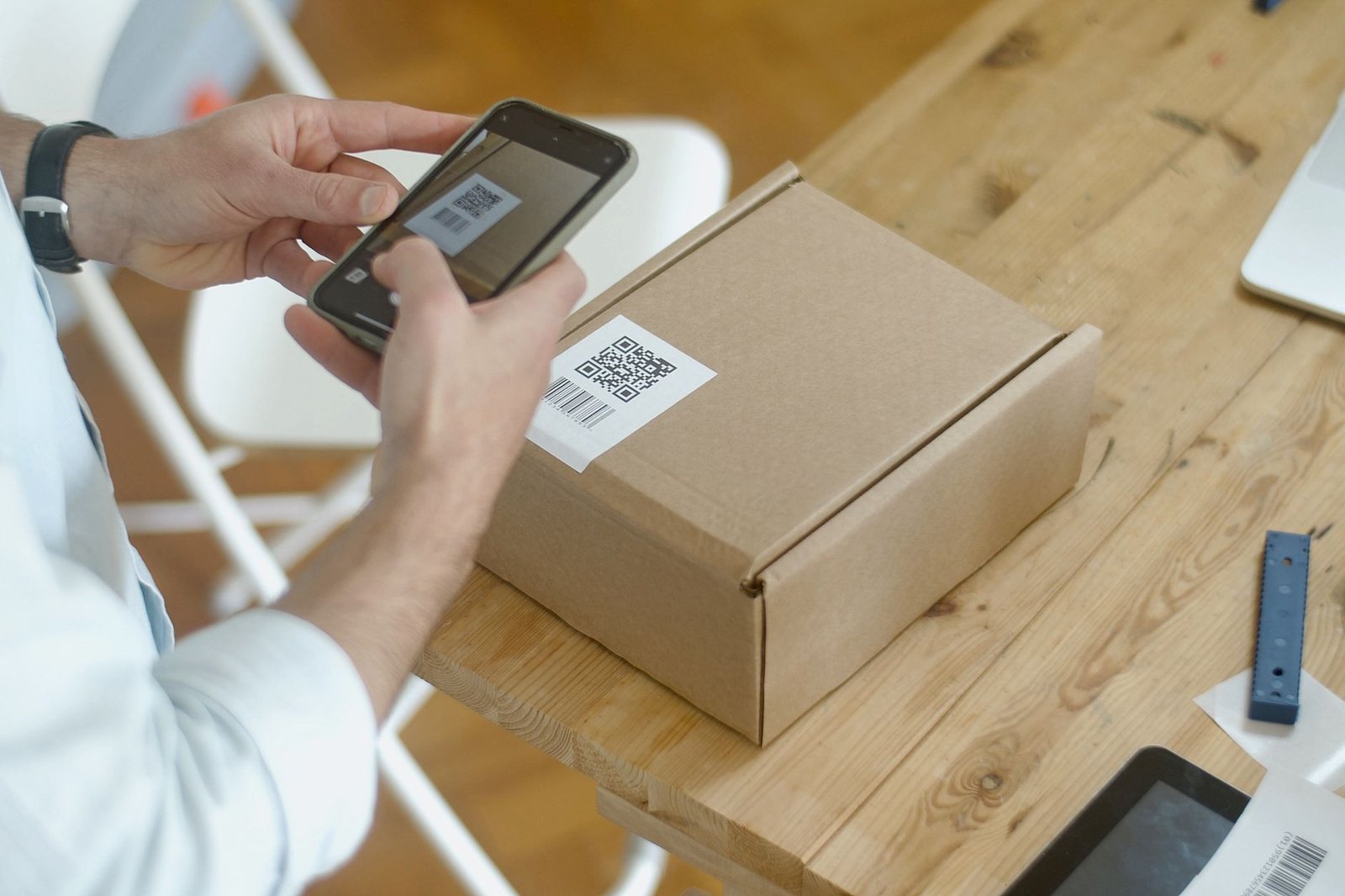
The Apple Shortcuts application serves as the central processing engine for your physical micro-habit triggers. Building an efficient automation requires structuring actions to execute sequentially without throwing unexpected error codes or blocking user input. Open the automation tab, select the NFC trigger option, and scan your physical tag to establish a permanent cryptographic link between the hardware identifier and the software routine.
Once the trigger is bound, construct the action stack with strict error handling in mind. If your shortcut attempts to pull data from cloud file integrity services or update remote databases, always include fallback branches to handle network latency or connection drops. This defensive programming approach prevents the shortcut from hanging mid-execution, ensuring your habit loop remains frictionless and completely transparent.
Eliminating Automation Confirmations
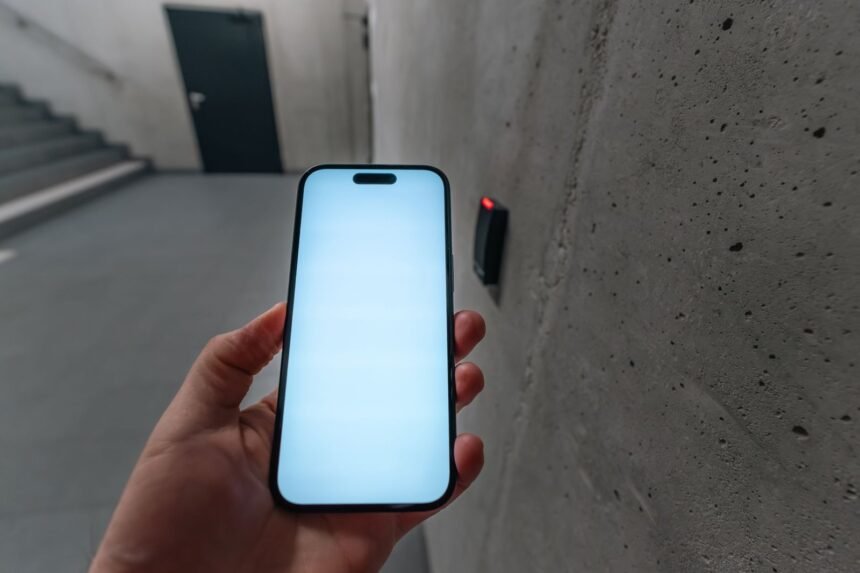
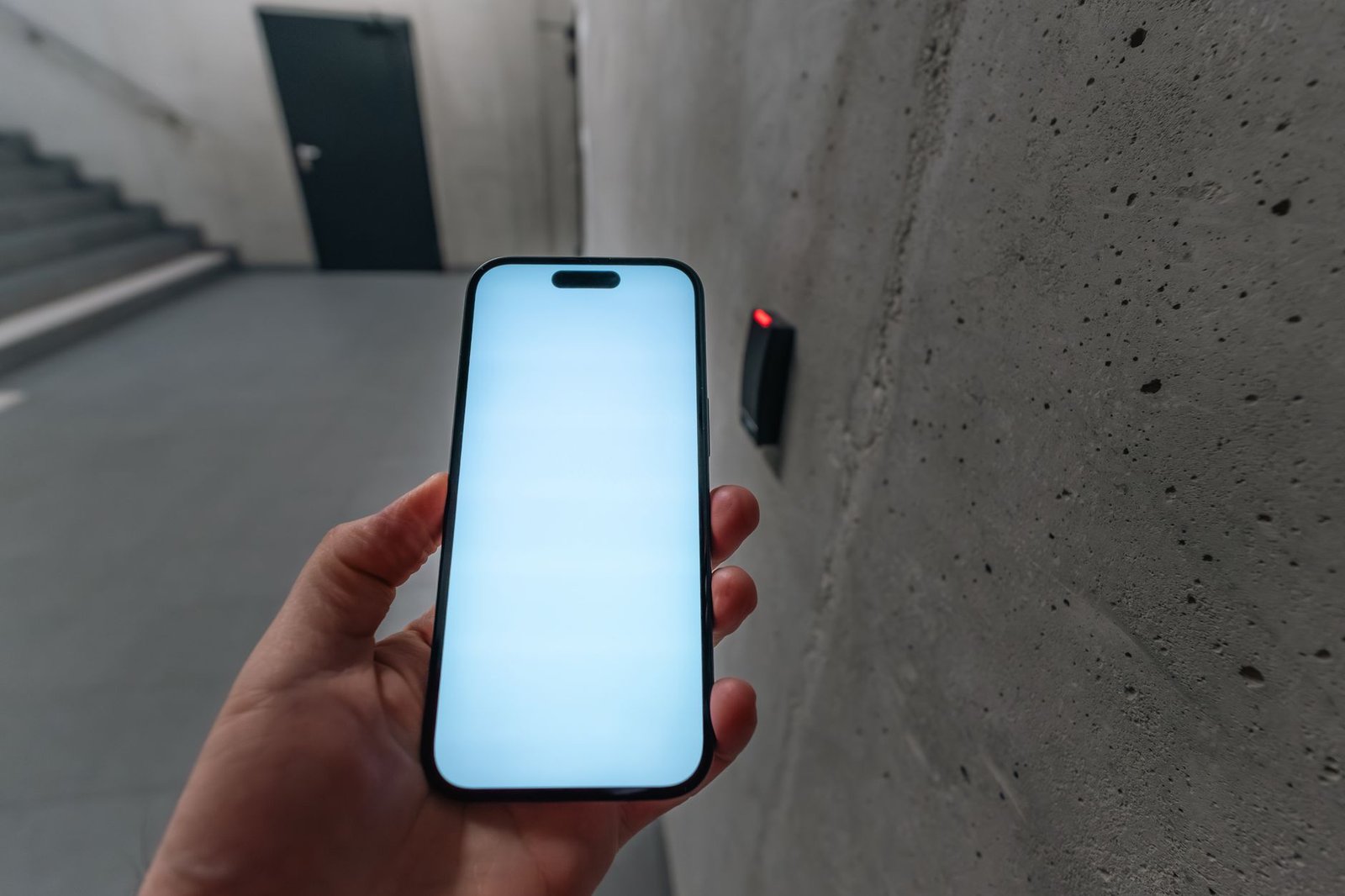
By default, iOS introduces a notification banner when an NFC tag launches an automation, requiring a manual tap to proceed. To achieve true zero-click automation, navigate to your shortcut settings and disable the “Notify When Run” toggle. When paired with background execution permissions, this configuration allows your iPhone to complete complex multi-app sequences instantly upon physical contact with the tag.
Keep in mind that certain sensitive actions, such as sending financial transactions or unlocking secure device parameters, will still demand biometric verification via Face ID. For micro-habits like tracking water intake, logging workout sets, or initiating focus blocks, these security barriers remain unneeded. Streamlining your action parameters guarantees instantaneous feedback loops that reinforce the desired behavioral conditioning.
Comprehensive Solution Comparison Matrix
Selecting the right hardware and software stack depends on your specific daily environment and technical requirements. The matrix below contrasts five common automation approaches across performance, cost, and implementation complexity.
| Solution / Approach | Key Specifications | Tested Advantages | Limitations / Costs | Best For |
|---|---|---|---|---|
| NTAG215 PVC Stickers | 504 bytes, 13.56 MHz, ISO 14443-A | Extremely cheap, highly versatile, easy to conceal | Susceptible to physical wear over years | Desk setups, water bottles, book covers |
| Epoxy Coin Tags | Waterproof, rigid housing, NTAG213/215 | Maximum durability, tactile feedback | Bulky profile, higher cost per unit | Kitchen counters, outdoor toolsets, keychains |
| Programmable NFC Rings | Ceramic/titanium body, dual-frequency | Always accessible on your person, zero hardware loss | Size matching required, expensive | On-the-go habit logging and rapid device unlocking |
| MagSafe NFC Pucks | Magnetic attachment, NTAG216 | Removable, repositionable, premium aesthetic | Requires MagSafe compatible phone case | Dynamic workspace adjustments and portable charging stations |
| Bluetooth Beacons (Beacon-only) | BLE 5.2, proximity triggered | Passive background detection without physical contact | Requires constant battery replacement, high cost | Proximity-based room automation and zone tracking |
Designing the Morning Productivity and Focus Protocol
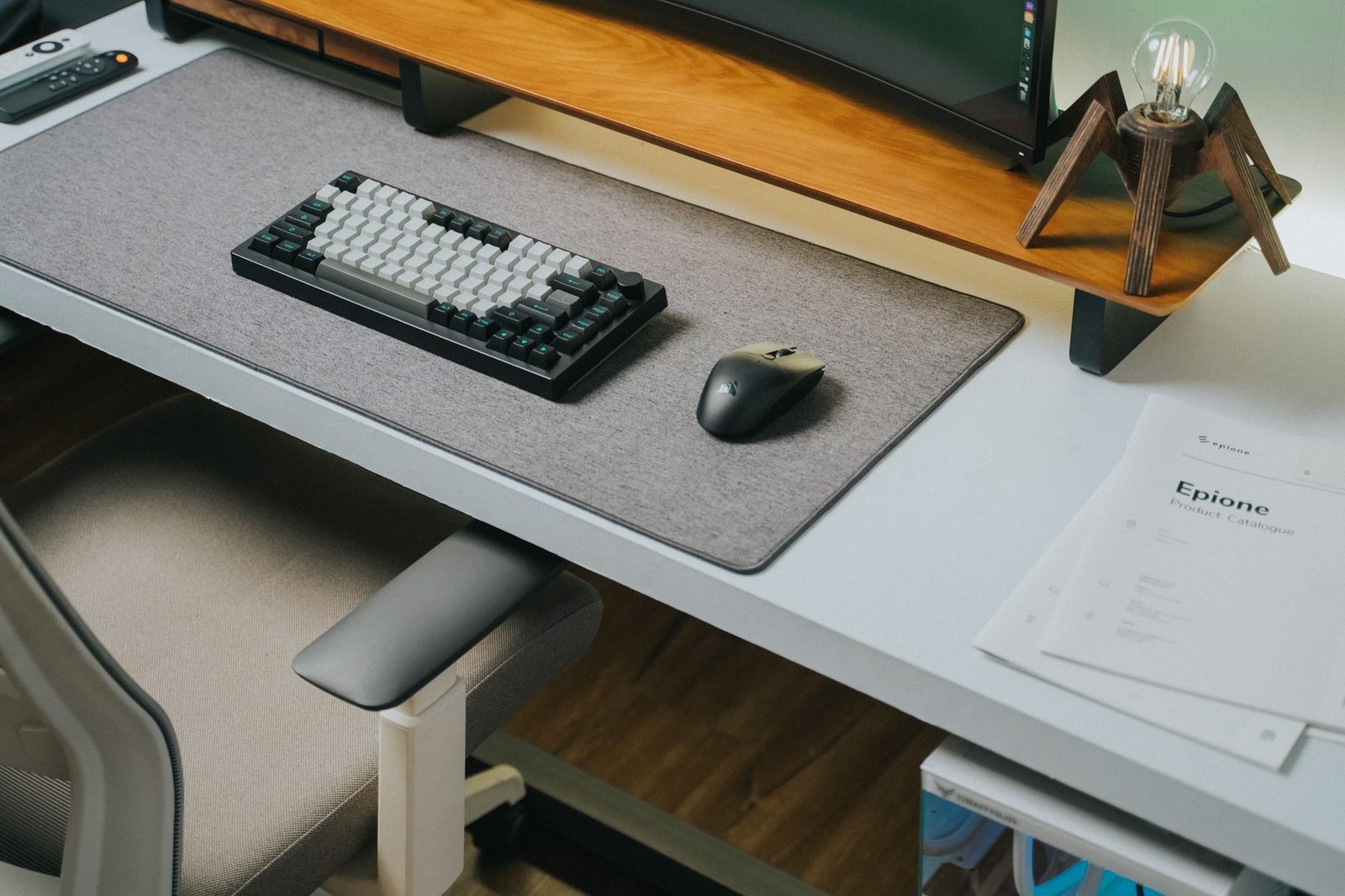
Morning routines set the neurological tone for the entire workday. By placing an NFC tag directly on your coffee machine or desk blotter, you can orchestrate an entire digital environment with a single tap of your smartphone. When your phone reads the tag during your morning routine, the shortcut should immediately execute a sequence that sets your workspace lighting, launches relevant project management boards, and silences non-essential notifications.
For remote professionals and deep-work practitioners, managing digital distractions is paramount. You can integrate this morning tag scan with advanced workspace configurations by following the detailed workflow outlined in How to Automate Your Home Office Focus Mode Using NFC Tags and Smart Lighting. This ensures your physical transition into the workspace matches your digital focus state without manual intervention.
Structuring Smart Lighting and Ambient Adjustments
Lighting temperature directly influences cortisol production and cognitive alertness. Program your NFC morning shortcut to communicate with your smart home bridge, adjusting overhead color temperature to 5000K daylight white while dimming ambient accent lights. This physiological cue tells your circadian rhythm that work has begun, reducing grogginess and accelerating entry into flow states.
Simultaneously, have the shortcut verify local weather forecasts and read out your daily calendar commitments via text-to-speech actions. This auditory briefing replaces mindless social media scrolling with structured logistical preparation. By combining tactile physical interaction with dynamic environmental adjustments, you establish an unbreakable behavioral anchor.
Always write a backup copy of your automation logic to a secondary NFC sticker stored in your desk drawer. If your primary tag suffers physical damage or adhesive failure, you can instantly re-link the shortcut without rebuilding the action stack from scratch.
Automating Health, Hydration, and Fitness Micro-Habits
Tracking physical health metrics often fails because manual data entry introduces too much friction. If logging a glass of water requires opening a fitness application, waiting for authentication, and manually sliding a counter, compliance drops significantly. Attaching an NFC sticker to your reusable water bottle transforms hydration tracking into an unconscious physical reflex.
When your iPhone taps the bottle tag, the shortcut increments your daily water log in Apple Health silently in the background, playing a subtle haptic confirmation pulse. Similarly, you can place a tag on your yoga mat or dumbbell rack to instantly launch workout timers, queue up specific training playlists, and log exercise completion timestamps into local databases or cloud dashboards.
Integrating Nutrition and Supplement Tracking
Consistency in supplement intake yields compounding physiological benefits over time, yet forgetting morning vitamins remains a common oversight. Place a dedicated NFC tag on your supplement storage caddy. Scanning the tag triggers a shortcut that logs the intake timestamp, verifies dietary inventory levels, and even prompts you to reorder items if stock is running low.
This automated tracking ecosystem eliminates guesswork and builds an accurate historical record of your daily habits. You can export these logged metrics weekly to review consistency trends, helping you identify behavioral bottlenecks and optimize your personal wellness protocols based on hard performance data.
Synchronizing Client Management and Freelance Workflows
For independent professionals, tracking billable hours and administrative tasks requires rigid discipline. NFC tags placed on specific hardware peripherals, such as an external monitor or a secondary keyboard, can instantly toggle time-tracking timers and open client communication portals. This removes the administrative overhead associated with starting and stopping freelance projects.
When wrapping up complex freelance client engagements, administrative offboarding requires meticulous attention to detail to ensure all deliverables and feedback loops are properly closed. You can streamline this multi-step operational handoff by reviewing the blueprint in How to Build an Automated Notion Dashboard for Freelance Client Offboarding. Combining physical NFC triggers with structured cloud workspace templates guarantees zero dropped tasks during client transitions.
Managing Project Transitions and Context Switching
Context switching destroys deep work efficiency. To minimize cognitive fatigue when jumping between distinct client projects, place unique color-coded tags on your desk surface corresponding to each client. Tapping the red tag closes all open browser tabs associated with Client A, clears your workspace messaging status, opens the relevant workspace folders, and starts the timer for Client B.
This hardware-driven context switch creates a hard psychological boundary between distinct professional responsibilities. By externalizing the state machine of your computer desktop into a physical object on your desk, you reduce the mental friction required to change gears throughout a demanding workday.
Executing Evening Shutdown Routines and Sleep Hygiene
Transitioning from high-intensity work mode to restful evening recovery is essential for preventing chronic burnout. Late-night screen exposure and lingering work thoughts often disrupt sleep architecture. By deploying an NFC tag on your bedside table or charging station, you can automate your evening wind-down sequence with a single physical motion.
To establish a bulletproof evening routine that safeguards your mental health and prepares your mind for restorative sleep, follow the comprehensive framework detailed in The 15-Minute Evening Shutdown Routine for Remote Workers to Prevent Burnout. This routine utilizes your bedside NFC tag to trigger hardware-level lifestyle adjustments.
Enforcing Digital Curfews and Environment Lockdown
When your phone contacts the bedside NFC tag, the automation routine should initiate a comprehensive digital lockdown. This includes enabling grayscale mode to reduce visual stimulation, activating strict sleep focus profiles that block non-family communications, and adjusting smart home lighting to warm amber hues below 2000K.
Simultaneously, the shortcut can log your shutdown timestamp, verify tomorrow morning alarm parameters, and play ambient white noise through connected bedroom audio gear. This physical ritual signals to your nervous system that the workday is officially finished, paving the way for deep, uninterrupted sleep recovery.
Advanced Troubleshooting, Error Codes, and System Maintenance
Even robust automation systems occasionally encounter hardware or software friction. When an iPhone fails to read an NFC tag, the issue usually stems from misaligned internal reader antennas or physical interference. Modern iPhones house their NFC reader coils near the top edge of the rear camera housing, requiring precise alignment rather than a center-body tap.
If your shortcuts throw system error codes related to script timeouts or missing dependency variables, inspect your action execution logs within the Shortcuts settings panel. Common error codes like execution timeout errors typically indicate that a shortcut is waiting indefinitely for a slow third-party API response. Always wrap external network requests in conditional timeout blocks to maintain local system responsiveness.
Resolving Software Conflicts and Background Execution Failures
Background execution failures often occur when iOS suspends shortcut processing due to aggressive power-saving protocols or memory constraints. To resolve this, ensure that background app refresh is enabled for all productivity applications integrated into your automation scripts. If persistent glitches occur, delete the NFC automation trigger and re-scan the tag to re-establish clean cryptographical bindings within the iOS secure enclave.
Regular system maintenance also involves auditing your tag inventory annually. Environmental exposure, UV radiation, and physical wear can degrade tag responsiveness over long operational periods. Keeping spare blank NTAG215 stickers in your toolkit ensures you can hot-swap a failing tag in under sixty seconds without disrupting your established behavioral routines.
Never store unencrypted administrative passwords, banking credentials, or personal identification tokens directly within NFC tag memory blocks. Standard NTAG chips lack hardware encryption and can be read by any NFC-enabled smartphone within close proximity.
Cross-Platform Considerations, Android Interoperability, and Document Security
While Apple Shortcuts provides a tightly integrated execution environment, many households and professional teams operate mixed device ecosystems. NTAG215 chips are completely platform-agnostic, meaning the same physical sticker can trigger an iPhone Shortcut via iOS automation or execute tasker routines on an Android handset. This flexibility makes NFC deployments ideal for shared family command centers or collaborative office desks.
When your automation routines involve handling sensitive paperwork, private document scanning, or PDF security backups, security becomes paramount. Always ensure that files generated or moved by your NFC shortcuts are encrypted with strong AES-256 protocols before being committed to cloud storage. Maintaining strict cloud file integrity safeguards your personal data against unauthorized interception during automated transit.
Optimizing Windows Integration and Error Diagnostics
Many professional automation workflows bridge mobile triggers with desktop operating systems. You can configure NFC tags to send webhook requests to automation servers running on Windows workstations, allowing a physical tap on your coffee mug to wake your office PC, mount encrypted network drives, and launch development environments.
When troubleshooting Windows integration bottlenecks, review your system error codes and event viewer logs to diagnose network socket rejections or firewall blocks. Ensuring that local firewall rules permit inbound webhook traffic from your mobile device IP address guarantees instantaneous cross-platform execution without frustrating connection timeouts.
Frequently Asked Questions
Can I use the same NFC tag to trigger different shortcuts at different times of day?
Standard NFC tags contain a static hardware identifier and cannot dynamically change their onboard payload based on the time of day. However, you can program the corresponding Apple Shortcut to evaluate current time conditions using conditional if-statements. When your iPhone reads the tag, the shortcut checks whether it is morning, afternoon, or evening, and executes completely different action branches accordingly. This allows a single physical sticker on your desk to serve multiple functions throughout the day.
Are NFC tags safe from being hacked or cloned by malicious actors?
Standard NTAG chips do not feature dynamic authentication encryption, meaning the unique identifier serial number can theoretically be read by anyone holding a scanner near your tag. However, because the tag only stores a simple string ID rather than sensitive data or passwords, the security risk is remarkably low. The actual automation logic and private data remain securely stored on your encrypted iPhone. As long as you do not store credentials directly on the chip, cloning a tag yields zero access to your private accounts.
What is the maximum read distance for cheap NFC tags?
NFC technology operates via magnetic induction at 13.56 MHz, which requires extremely close proximity for successful communication. Standard NTAG215 stickers typically require your smartphone to be within 1 to 3 centimeters of the physical tag surface. This short operational range is an intentional security and reliability feature, preventing accidental misfires when walking past objects and ensuring that you must make deliberate physical contact to execute your micro-habit routines.
Do NFC tags require batteries or external power sources?
NFC tags are entirely passive devices containing no internal battery or power storage. They derive operational energy directly from the electromagnetic field emitted by your iPhone’s reader antenna during the scanning handshake. This passive architecture means maintenance-free longevity, allowing deployed tags to function reliably for over a decade without degradation or the need for component replacements.
Can I use NFC tags if my iPhone is locked or in a heavy-duty protective case?
Modern iPhones continuously power their NFC reader hardware as long as the screen is turned on and the device is unlocked. Thick protective cases made of rubber, TPU, or plastic rarely interfere with NFC signals, provided they do not incorporate thick metal plates or magnetic wallet attachments. For seamless execution, simply wake your phone screen and tap the top-rear housing directly against the physical tag surface.