

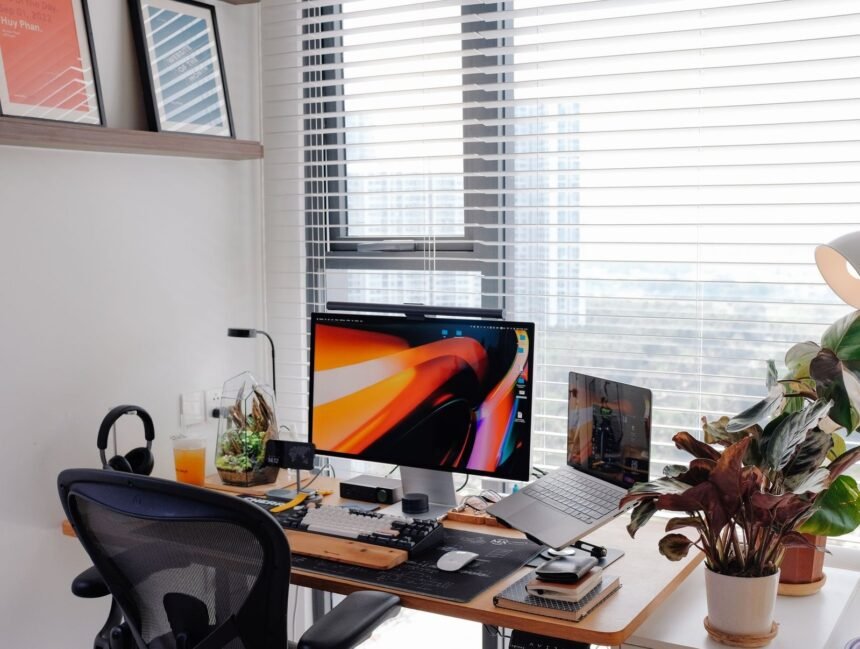
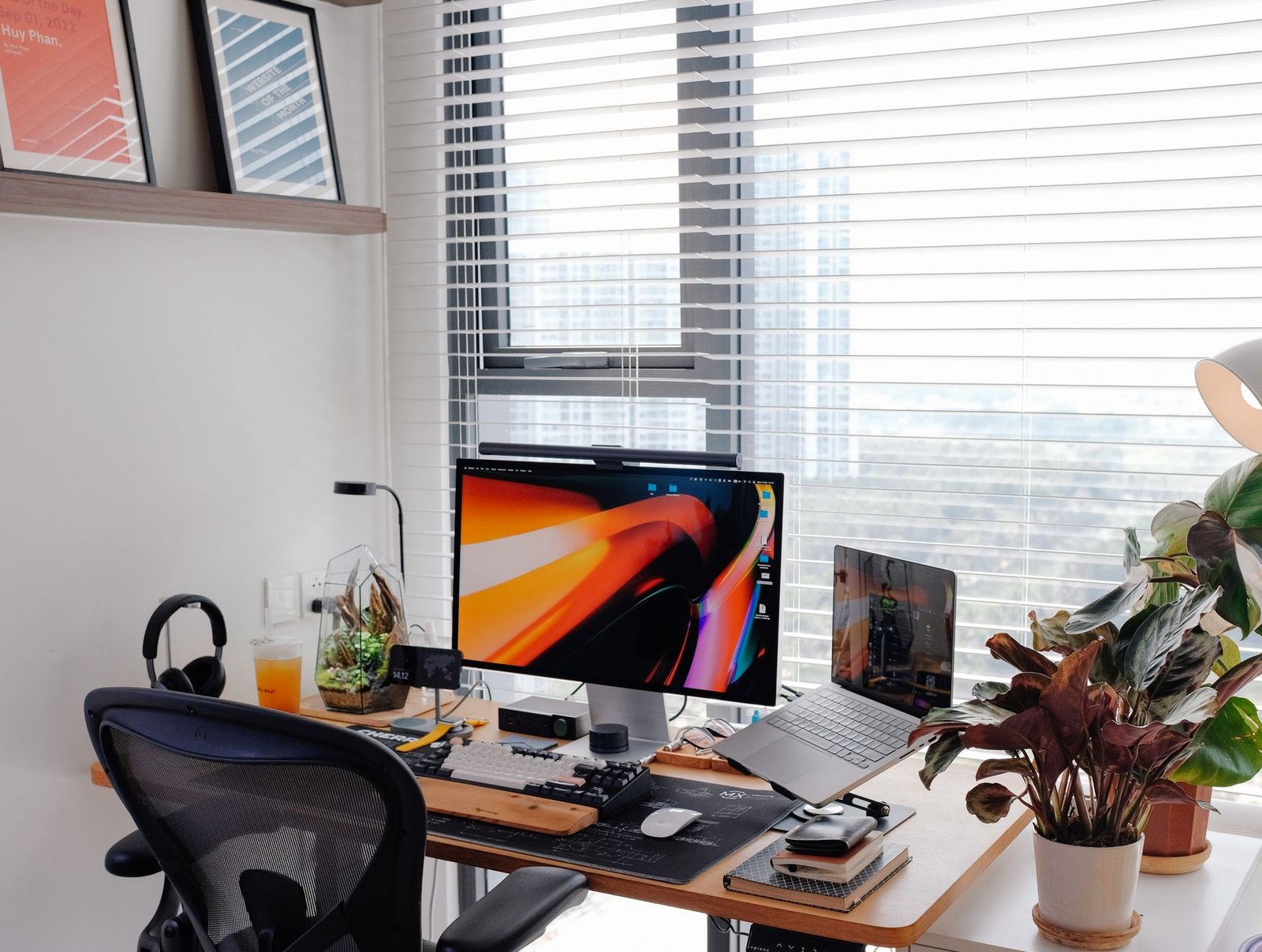
Knowledge workers operate in an environment fundamentally misaligned with human evolutionary physiology. Staring at ultra-wide monitors from fixed ergonomic chairs for nine consecutive hours degrades cerebral blood flow, flattens metabolic rate, and triggers severe afternoon cognitive fatigue. Traditional standing desks promised an antidote, yet static standing introduces venous pooling in the lower extremities, increases plantar pressure, and induces lumbar spine compression within forty-five minutes. Replacing static sedentariness with active low-intensity ambulation resolves this biomechanical logjam. Integrating a motorized treadmill pad beneath an adjustable workstation converts passive work hours into sustained non-exercise activity thermogenesis (NEAT) without compromising fine motor skills or executive function.
- The Neurobiology and Ergonomics of Under-Desk Locomotion
- Hardware Engineering: Evaluating Walking Pad Architecture
- Motor Dynamics: Horsepower Ratings and Thermal Throttling
- Deck Suspension, Belt Thickness, and Acoustic Profiles
- Workstation Stability: Eliminating Typing Jitter and Monitor Oscillation
- Comprehensive Specification Matrix: Hardware Platforms & Ergonomic Setups
- Cognitive Architecture: Mapping Mental Tasks to Belt Velocity
- Biomechanical Alignment: Upper Body Posture and Typing Dynamics
- The 4-Week Progressive Adaptation Blueprint
- Week 1: Mechanical Calibration and Baseline Conditioning
- Week 2: Kinetic Independence and Input Mastery
- Week 3: Deep Work Integration
- Week 4: Full System Optimization
- Footwear Science: Orthotics, Drop Dynamics, and Plantar Health
- Workstation Audio Engineering: Suppressing Noise on Calls
- Preventative Maintenance: Motor Care, Belt Tracking, and Lubrication
- Advanced Integration: Time Blocking and Sustainable Daily Pacing
- Frequently Asked Questions
- Can walking while working trigger motion sickness or vestibular disorientation?
- How much electricity does an under-desk walking pad draw during regular operation?
- Can I use an under-desk walking pad safely on deep plush carpeting?
- How do I prevent lower back tightness when walking while typing?
- Will an under-desk walking pad count steps accurately toward fitness trackers and smartwatches?
Transitioning from a sedentary desk setup to an active walking protocol requires more than sliding an entry-level motor under your monitor. Without calculated motor sizing, mechanical dampening, calibrated deck speeds, and precise task segregation, walking pads introduce typing jitter, vestibular disorientation, and early plantar fasciitis. Success requires treating the active workstation as an engineered system where mechanical decibel output, cadence, desk mass, and cognitive tasks harmonize perfectly.
For optimal focus and metabolic output without cognitive degradation, calibrate your walking pad speed strictly between 1.2 and 1.8 mph (1.9 to 2.9 km/h) during low-cognitive-load execution blocks. Pair a continuous-duty brushless DC motor (minimum 2.25 HP) with a four-leg heavy-gauge standing desk frame to suppress kinetic typing vibration. Avoid walking during complex alphanumeric coding or deep editing tasks; reserve ambulation for calls, administrative triage, and exploratory reading across ninety-minute structured cycles.
- Primary Mechanism / Finding: Low-velocity ambulation (1.5 mph) elevates prefrontal cortex oxygenation by 14 to 18 percent while adding 120-170 kcal/hour of active energy expenditure.
- Optimal Protocol / Top Pick: Ninety-minute intermittent walking blocks combined with dual-motor desks, zero-drop wide-toebox footwear, and vibration-isolated monitor arms.
- Practical Alternative: Manual mechanical floor sliders or structured standing-to-walking intervals alternating every 45 minutes on basic dual-stage desk frames.
- Critical Pitfall: Exceeding 2.0 mph during analytical work, which shifts neurological bandwidth to balance maintenance and induces rapid typing degradation.
The Neurobiology and Ergonomics of Under-Desk Locomotion
Sustained sedentary behavior downregulates lipoprotein lipase activity in skeletal muscle tissue, precipitating insulin resistance and postprandial somnolence. When you sit stationary, peripheral capillary beds constrict, decreasing systemic venous return to the heart and dampening mean arterial pressure to the brain. Cerebral hypoperfusion leads to subjective brain fog, reduced short-term working memory capacity, and frequent attentional drift.
Low-velocity ambulation activates the soleus and gastrocnemius muscle pump mechanism without reaching the threshold of cardiovascular stress. This skeletal muscle contraction propels pooled blood back into systemic circulation, stabilizing blood glucose curves following meals and elevating steady-state oxygen saturation in the prefrontal cortex. The continuous rhythmic stimulus also triggers modest increases in brain-derived neurotrophic factor (BDNF), enhancing neuroplasticity and executive focus during sustained mental challenges.
Ergonomically, movement eliminates the static joint loading responsible for chronic workplace pain. Static standing compresses the facet joints of the lower lumbar spine and strains the plantar fascia through constant isometric tension. Dynamic walking distributes contact stress cyclically across the ankle talocrural joint, knee patellofemoral complex, and acetabulofemoral hip socket. This dynamic weight displacement maintains synovial fluid distribution across articular cartilage, dampening back stiffness and joint fatigue.
Hardware Engineering: Evaluating Walking Pad Architecture
Motor Dynamics: Horsepower Ratings and Thermal Throttling
The primary mechanical failure point of cheap walking pads is the drive motor. Conventional running treadmills rely on high roller speeds (5.0 to 10.0 mph) where rotational momentum assists belt movement. Under-desk treadmills operate at ultra-low speeds (0.8 to 2.0 mph) under full body weight. This low-RPM, high-torque operating state draws elevated electrical current, generating immense thermal energy inside the motor casing.
Motors under 1.5 continuous horsepower (CHP) frequently suffer thermal throttling within thirty minutes of low-speed use, resulting in erratic belt stutter or sudden shutdown errors. Prioritize units rated at 2.25 to 3.0 CHP equipped with brushless DC (BLDC) motors. Brushless architectures generate less internal friction, run significantly cooler, and survive continuous low-velocity friction without degrading stator insulation or tripping internal thermal fuses.
Deck Suspension, Belt Thickness, and Acoustic Profiles
Walking pad chassis construction dictates acoustic footprint and long-term joint preservation. Cheap units feature a simple 10mm composite particleboard deck laid directly over steel crossbars with nominal elastomer dampeners. This setup transmits sharp acoustic impacts directly into floor joists while punishing your metatarsals. High-grade walking platforms incorporate multi-ply phenolic resin decks supported by industrial silicone shock absorption pods that isolate kinetic energy.
The walking belt itself must feature a minimum 2-ply construction with a high-density PVC top layer and a conductive polyester-blend bottom layer to suppress static discharge. Thicker 4-ply commercial belts reduce mechanical whine to under 45 decibels at 1.5 mph, allowing you to walk during client conferences and team calls without background interference or microphone pickup.
Place an ultra-dense, 6mm commercial-grade polyvinyl or recycled rubber equipment mat beneath your walking pad. Standard yoga mats are too soft, creating thermal entrapment under the motor belly and increasing roller drag. High-density mats suppress acoustic vibration through floorboards while preserving airflow underneath the motor shroud.
Workstation Stability: Eliminating Typing Jitter and Monitor Oscillation
The most common barrier to sustained under-desk walking is monitor shake. When ambulating at 1.5 mph, each heel strike delivers a mechanical impulse vector upward through the skeletal frame, out through the forearms, and into the desktop surface. On standard two-leg or single-motor standing desks, this kinetic energy excites the resonant frequency of the frame, causing monitors to violently vibrate and inducing visual vestibular mismatch, eye strain, and headaches.
Eliminating monitor vibration requires a multi-pronged mechanical stabilization strategy:
- Deploy Heavy-Gauge Four-Leg Frames: Two-leg cantilevered desks lack torsional rigidity; choose four-leg dual-motor desks constructed from cold-rolled steel with crossbeam reinforcement.
- Decouple Forearm Pressure: Rest wrists on memory-foam palm rests positioned directly over desk support beams, rather than resting weight on outer desk perimeters.
- Upgrade Monitor Mounts: Flimsy gas-spring monitor arms act as mechanical tuning forks; switch to heavy-duty, short-throw steel arms with rigid locking collars.
- Tension Adjustment: Fasten desk mounting grommets directly through the center of desk mass rather than clamping to thin rear overhangs.
By dampening structural resonance, your visual field remains stable, preserving fluid hand-eye coordination for precision mouse tracking and high-speed typing.
Comprehensive Specification Matrix: Hardware Platforms & Ergonomic Setups
The following technical matrix evaluates the operational performance, noise profiles, and mechanical limitations of prevailing under-desk setups across critical productivity dimensions.
| Solution / Approach | Key Specifications | Tested Advantages | Limitations / Costs | Best For |
|---|---|---|---|---|
| Compact Folding Walking Pad | 1.25 HP motor, 180° hinge, 0.5-3.7 mph, <30kg weight | Minimal storage footprint; slides beneath low sofas | Hinge seam wear; thermal limits after 60 min continuous use | Small apartments; light casual walking (<5k steps/day) |
| Heavy-Duty Commercial Flat Deck | 3.0 CHP BLDC motor, unibody steel rail, 42-48 dB noise | Industrial durability; supports 350+ lbs; zero thermal drops | Heavy chassis (45-55kg); hard to stow away daily | Dedicated active offices; power users (15k+ steps/day) |
| Manual Curved Non-Motorized Pad | Mechanical bearing drive, zero electricity, human-powered | Zero motor failures; excellent glute & hamstring recruitment | Steep deck curve forces poor desk posture; high visual bounce | Athletic training sessions; completely unsuitable for fine typing |
| Under-Desk Elliptical / Stepper | Magnetic flywheel, seated or semi-standing operation | Zero desk bounce; low cost; ultra-silent (<35 dB) | Unnatural hip kinematics; low calorie burn; knee-to-desk clearance issues | Fixed seated setups; post-injury physical rehab routines |
Cognitive Architecture: Mapping Mental Tasks to Belt Velocity
Locomotion requires cognitive overhead. Although walking appears automated by spinal central pattern generators (CPGs), maintaining balance on a moving surface demands ongoing cerebellar adjustment and subtle optical flow monitoring. If belt velocity exceeds your personal adaptation threshold, attention shifts from executive functions to kinetic balance, leading to mistakes in logic-heavy work.
To master this balance, categorize professional tasks by mental load and assign precise speed parameters to each category:
- High-Bandwidth Analytical Work (0.0 mph / Treadmill Powered Off): Complex software engineering, architectural diagramming, deep technical writing, financial modeling. These tasks demand peak cognitive focus; perform them while static standing or sitting in an ergonomic chair.
- Medium-Bandwidth Generative Work (1.0 to 1.3 mph): Drafting routine emails, reviewing product requirements, wireframing, asynchronous team messaging. A gentle, relaxed stride keeps you alert without pulling attention away from language processing.
- Low-Bandwidth Processing & Consumption (1.4 to 1.8 mph): Attending webinar lectures, reviewing spreadsheets, processing intake tickets, organizing project boards. Here, steady rhythmic ambulation boosts focus and prevents boredom.
- Spoken Communication & Brainstorming (1.8 to 2.2 mph): Active video calls, team scrums, strategic voice brainstorming. Increased pacing stimulates verbal fluency and vocal projection without causing breathlessness.
Structuring your calendar around these energy states prevents the mental fatigue caused by trying to solve complex mathematical or logical problems while striding at high speeds.
Never operate an under-desk walking pad wearing socks, slippers, or heavily cushioned running shoes with tall heel-to-toe drops. High heel drops (10mm to 12mm) alter your pelvis angle when walking on flat decks, driving excessive shear forces into the L5-S1 lumbar segment and shortening the Achilles tendon. Choose zero-drop or low-drop (0mm to 4mm) minimalist shoes with wide toeboxes to maintain natural foot posture.
Biomechanical Alignment: Upper Body Posture and Typing Dynamics
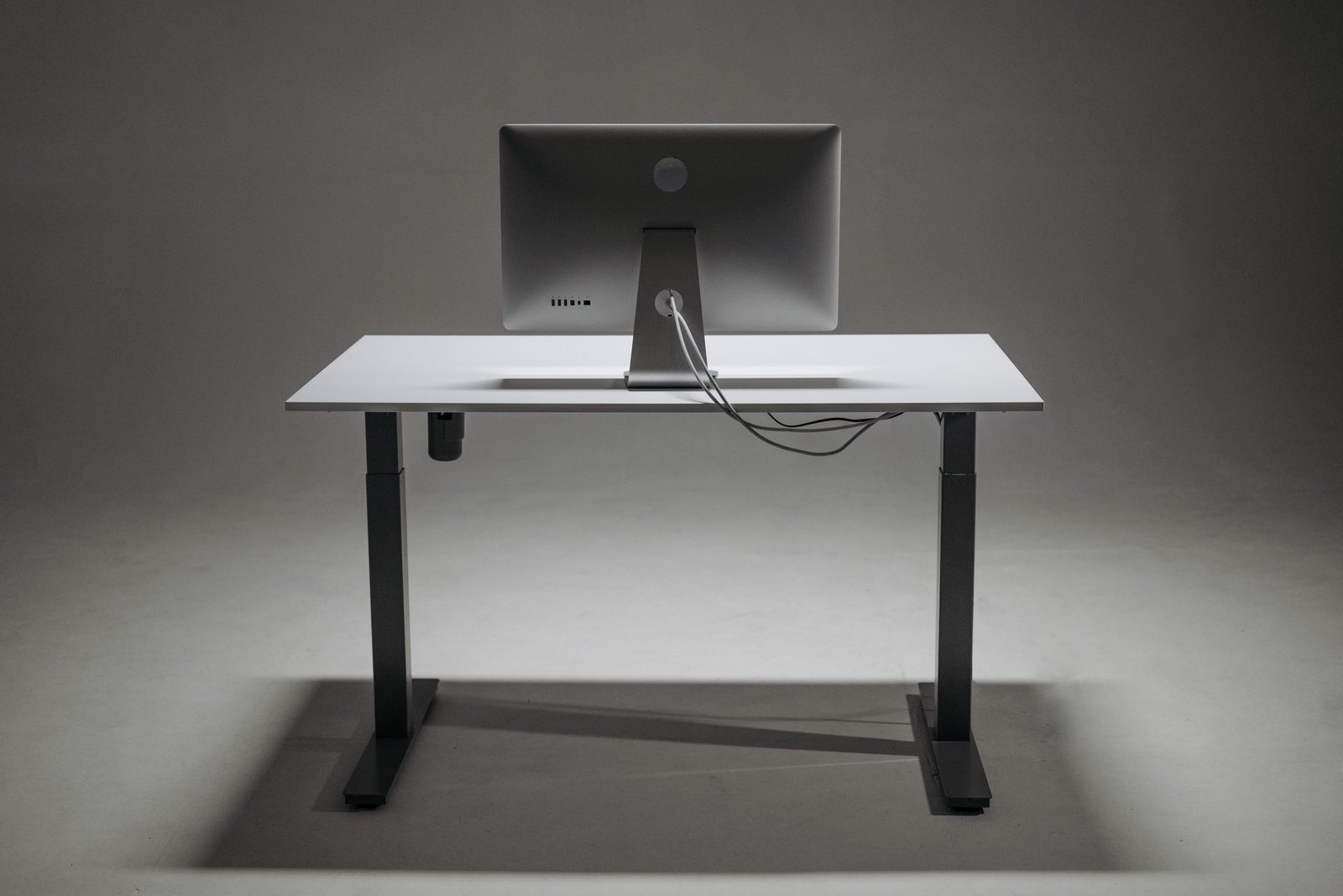
Integrating a walking pad changes the geometric relationship between your arms and your input peripherals. When walking, your torso naturally shifts horizontally by 1 to 2 centimeters with each step. If your desk is positioned at sitting height, your elbows will extend forward, forcing your wrists into dorsiflexion to reach the keyboard. This posture concentrates dynamic pressure inside the carpal tunnel, leading to median nerve inflammation within weeks.
To maintain proper mechanical alignment, elevate your standing desk until your forearms rest at a 95 to 100-degree downward angle relative to your upper arms. This downward angle ensures your forearms float naturally above the keyboard deck. Your wrists should remain neutral, avoiding both upward extension and resting heavy weight directly on sharp desk edges.
Pair this arm position with a split ergonomic keyboard featuring negative tilt capabilities. Tilting the front of the keyboard slightly downward lets your fingers strike the keys in line with your forearms’ natural arc of motion. Use a high-DPI vertical mouse or trackball to eliminate wide, sweeping forearm reaches that can disrupt your walking cadence and degrade mouse accuracy.
The 4-Week Progressive Adaptation Blueprint
Transitioning immediately to eight hours of walking will cause overuse injuries, such as plantar fasciitis, Achilles tendinopathy, and sacroiliac joint inflammation. Tendons and ligaments take months to adapt to new mechanical loads, far longer than cardiorespiratory systems. Follow this structured 4-week ramp-up protocol to build joint resilience and establish proper habits.
Week 1: Mechanical Calibration and Baseline Conditioning
Focus on motor calibration, monitor stabilization, and gentle postural adaptation without tracking high daily step counts:
- Session Architecture: Two 30-minute sessions per day (mid-morning and early afternoon).
- Target Belt Velocity: 1.0 to 1.2 mph.
- Allocated Work Tasks: Consuming video material, listening to internal team meetings, reading industry whitepapers.
- Daily Target Volume: 3,000 to 4,500 steps.
- Post-Session Recovery: Soleus and calf stretching on a slant board for 3 minutes; plantar fascia rolling with a lacrosse ball.
Week 2: Kinetic Independence and Input Mastery
Introduce keyboard and mouse work during ambulation while extending your total daily movement time:
- Session Architecture: Three 45-minute sessions, scheduled after meals to flatten postprandial glucose spikes.
- Target Belt Velocity: 1.2 to 1.4 mph.
- Allocated Work Tasks: Clearing email backlogs, drafting task briefs, reviewing documentation.
- Daily Target Volume: 6,000 to 8,000 steps.
- Post-Session Recovery: Hip flexor kneeling lunges and hamstring flossing to offset anterior pelvic tilt.
Week 3: Deep Work Integration
Increase session duration and align walking intervals with structured focus blocks, linking movement directly to your project schedule:
- Session Architecture: Two 75-minute continuous blocks, managed using systematic focus frameworks. Plan your walking alongside established scheduling models like the 3-3-3 time blocking method to separate physical administrative tasks from static analytical work.
- Target Belt Velocity: 1.4 to 1.6 mph.
- Allocated Work Tasks: Generative copywriting, project management scheduling, sprint planning.
- Daily Target Volume: 10,000 to 12,000 steps.
- Post-Session Recovery: Foam rolling of the quadriceps, thoracic spine extensions, and targeted glute bridges.
Week 4: Full System Optimization
Operate at steady-state capacity with dynamic transitions between sitting, standing, and walking modes throughout the day:
- Session Architecture: Dynamic rotation—60 minutes walking, 60 minutes sitting, 30 minutes static standing.
- Target Belt Velocity: 1.3 to 1.8 mph (variable speed adjustments matching real-time cognitive tasks).
- Allocated Work Tasks: All work types, excluding balance-critical precision activities like video timeline scrubbing or complex coding.
- Daily Target Volume: 14,000 to 18,000 steps.
- Post-Session Recovery: Full posterior chain mobility sequence, paired with an effective evening daily shutdown routine to ensure proper physical rest and mental separation from your active workspace.
Footwear Science: Orthotics, Drop Dynamics, and Plantar Health
Standard footwear is fundamentally mismatched with flat walking pads. Running shoes feature thick EVA foam cushioning, aggressive arch supports, and high heel drops designed to absorb heavy outdoor impact forces. On a flat, uniform walking belt, this thick cushioning disconnects foot mechanoreceptors from the walking surface, deadening sensory feedback and causing subtle balance adjustments that strain the knees and hips.
Using conventional running shoes on a walking pad also immobilizes your foot’s intrinsic musculature. Rigid arch supports prevent the natural flattening and rebounding of the medial longitudinal arch, which acts as the body’s natural shock absorber. Over time, this lack of natural movement weakens the flexor hallucis brevis and abductor hallucis muscles, making you more vulnerable to plantar fasciosis.
Equip your workstation with wide, anatomical-toebox zero-drop functional training shoes or minimalist walking footwear. These platforms give your metatarsals room to splay naturally during propulsion, distribute contact forces evenly across your foot, and maintain a neutral pelvic position. If walking on a firm deck causes foot soreness early on, choose a transitional shoe with 12mm to 16mm of firm, uncompressed polyurethane foam rather than soft, spongy foam that destabilizes the ankle joint.
Workstation Audio Engineering: Suppressing Noise on Calls
Maintaining a professional presence on voice and video calls while walking requires careful control over room acoustics, mechanical deck sound, and microphone sensitivity. Untreated setups transmit cyclical motor hums and belt squeaks directly into your audio feed, frustrating teammates and clients.
Isolating your audio feed requires three hardware and software adjustments:
- Microphone Selection: Avoid omnidirectional condenser desktop microphones, which pick up sound across the entire room, including belt friction and foot strikes. Instead, use a dynamic broadcast microphone with a tight cardioid polar pattern, or a boom headset positioned two fingers away from your mouth. Dynamic capsules reject ambient sounds that fall below specific acoustic thresholds.
- Real-Time AI Noise Suppression: Use digital signal processing software like Krisp, or built-in modern suppression algorithms in communication platforms. These neural networks filter out rhythmic low-frequency mechanical noises (such as a 1.5 mph electric motor hum) while preserving your natural vocal frequencies.
- Floor Sound Barriers: Place dense acoustic panels or heavy fabric barriers between the front of the walking pad motor and your desk edge. This blocks motor noise from bouncing off hard walls and reflecting into your workspace.
With these audio adjustments in place, your colleagues will hear clear, steady speech without detecting background mechanical noise or physical exertion.
Preventative Maintenance: Motor Care, Belt Tracking, and Lubrication
Under-desk treadmills face significant friction because they operate at low belt speeds under full adult weight. Without proactive routine maintenance, the friction coefficient between the underside of the belt and the phenolic deck will rise quickly. This extra resistance overworks the motor, trips onboard thermal sensors, and wears through mechanical drive belts in just a few months.
Deck Lubrication Protocols
Apply 100% pure polydimethylsiloxane silicone oil between the belt and deck every 100 hours of operation or every 30 days, whichever comes first. Avoid petroleum-based lubricants, WD-40, or household grease, as these chemicals degrade the PVC belt and destroy composite deck coatings. Lift the edge of the running belt and apply 10ml of silicone lubricant in an alternating zig-zag pattern across both sides of the deck, then run the pad unweighted at 1.0 mph for three minutes to distribute the oil evenly.
Belt Tensioning and Tracking Adjustment
An improperly tensioned belt introduces safety hazards and mechanical strain. If the belt is loose, it will slip momentarily under your foot during heel strikes, jarring your knees and lower back. If it is overtightened, it places excessive radial loads on the front and rear roller bearings, leading to noisy bearing failure. Test tension by lifting the center of the belt edge; it should yield vertically between 1.5 and 2.0 inches.
If the belt drifts toward one side of the frame, adjust the rear tension bolts using the included metric Allen wrench. If the belt drifts right, turn the right tension bolt clockwise a quarter turn and the left bolt counter-clockwise a quarter turn. Run the motor at 1.5 mph for sixty seconds to observe the new tracking position, repeating with small, precise adjustments until the belt stays centered on the deck.
Advanced Integration: Time Blocking and Sustainable Daily Pacing
A walking pad should serve as an intentional productivity tool, not an exhausting marathon device. Trying to walk through an entire eight-hour workday causes systemic fatigue, elevates baseline cortisol, and degrades the quality of high-focus tasks. Treat low-intensity ambulation as a structured physical layer within your broader daily workflow.
Structure your day around three distinct operational blocks:
- The Morning Strategic Sprint (Static Seated): Reserve the first two hours of your workday for your most challenging intellectual projects. Keep the treadmill off and use an ergonomic task chair. This shields your analytical focus from any physical distractions.
- The Midday Execution Interval (Walking Mode): Once deep analytical work is done, transition your desk to walking height. Use this multi-hour block to clear out transactional tasks. Combine walking with your routine organizational administrative work, such as reviewing updates or handling daily personal admin micro-hacks. Walking keeps energy levels high, helping you work through backlogs without the usual afternoon slump.
- The Afternoon Communication Block (Hybrid Dynamic): Alternate between static standing and walking at 1.2 mph for late-day collaborative calls, project retrospectives, and inbox cleanup.
This phased rhythm uses movement to break up mental fatigue, keeping your focus sharp without causing physical burnout by the end of the day.
Frequently Asked Questions
Can walking while working trigger motion sickness or vestibular disorientation?
Yes, some users experience mild visual vestibular mismatch during their first week. This occurs when your inner ear vestibular system detects physical forward movement while your eyes remain fixed on a static computer display. Your brain notices this conflict, resulting in transient lightheadedness or slight eye strain.
To prevent this adaptation issue, keep your speed under 1.2 mph for your first five days of use. Position your monitor slightly further back—between 25 and 30 inches from your eyes—to expand your peripheral vision. This wider visual field helps your brain register room surroundings, reconciling visual and vestibular signals and eliminating dizziness within a few days.
How much electricity does an under-desk walking pad draw during regular operation?
Under-desk treadmills are efficient appliances. A 2.5 HP continuous-duty motor carrying an 80kg individual at 1.5 mph draws between 250 and 400 watts of electrical power. Power draw depends directly on user weight and deck lubrication; dry, unlubricated decks increase motor friction and can raise consumption above 550 watts.
Operating a walking pad for three hours daily at an average utility rate of $0.16 per kilowatt-hour costs approximately $0.14 to $0.19 per day, or about $4.50 monthly. Keeping your deck well-lubricated reduces mechanical drag, keeping motor temps down and electrical power draw at minimum levels.
Can I use an under-desk walking pad safely on deep plush carpeting?
You should not place a walking pad directly on medium to high-pile carpet. Soft carpet fibers block cooling vents on the underside of the motor shroud, trapping heat inside the housing and causing rapid thermal shutdown. Carpet fibers also pull fine dust and static into the motor electronics, increasing the risk of control board failure.
If your office has plush carpeting, place a solid, rigid barrier underneath the treadmill. A tempered glass chair mat, thick high-density polycarbonate sheet, or a firm 0.5-inch plywood board isolates the walking pad from carpet fibers. This ensures proper airflow beneath the chassis and protects the motor from static discharge and dust buildup.
How do I prevent lower back tightness when walking while typing?
Lower back tightness during walking pad use is almost always caused by an improper desk height that forces an anterior pelvic tilt. If your standing desk is adjusted even an inch too low, you will lean slightly forward onto the desktop. This forward lean deactivates your abdominal core muscles, shortens the psoas hip flexors, and puts excessive compressive stress on your lower lumbar spine.
Raise your standing desk until your forearms rest comfortably with your elbows open at a 95 to 100-degree angle, keeping your chest open and torso upright. Engage your gluteal muscles through every stride, and focus on pushing backward through your heels rather than overstriding forward. Taking shorter, more compact steps takes pressure off your lower back and keeps your spine in a comfortable neutral posture.
Will an under-desk walking pad count steps accurately toward fitness trackers and smartwatches?
Wrist-worn fitness trackers count steps using three-axis internal accelerometers that monitor natural arm swings. When walking at a desk, your hands stay resting on a keyboard or mouse, preventing arm swings and causing wrist wearables to undercount actual steps by 60 to 80 percent.
To track steps accurately, remove the tracker from your wrist and place it in your pants pocket, wear it around your ankle using an extended strap, or clip a dedicated step sensor to your shoe laces. These alternative placements capture clear, accurate lower-body cadence without relying on arm swings.