
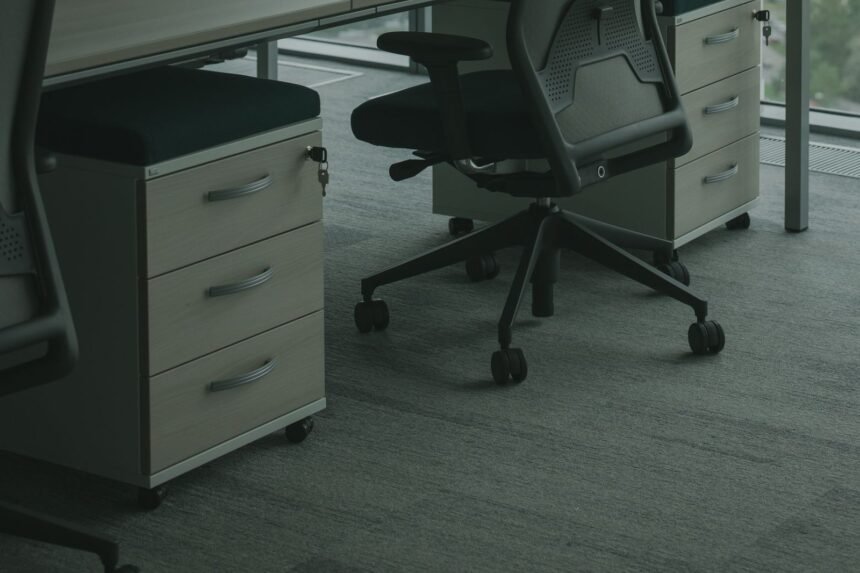
When spatial real estate in a compact workspace dwindles to mere inches, the traditional approach of expanding outward or upward ceases to function. Modern remote professionals, software engineers, and digital creators often find themselves boxed into tight architectural footprints where every square foot carries a heavy cognitive and operational tax. Clutter accumulates rapidly on top of work surfaces, choking out peripheral vision, burying mechanical keyboards, and turning a supposedly productive sanctuary into a stressful staging ground for loose paperwork, peripheral dongles, and tangled cables. Reclaiming your environment requires looking past the horizontal surface plane and exploiting the vast, unutilized volumetric capacity resting directly beneath your desktop. By turning your attention downward, you can execute a sophisticated spatial restructuring that eliminates physical drag and optimizes your room layout.
- Comprehensive Comparison of Under-Desk Storage Methods
- 1. Heavy-Duty Steel Wire Cable Trays for Power Distribution
- 2. Low-Profile Sliding Drawers for Small Peripherals
- 3. Magnetic Caddies and Side-Mounted Tool Panels
- 4. Suspended Fabric Slings and Felt Storage Pockets
- 5. Under-Desk PC Mounts for Floor Clearance
- 6. Headphone and Backpack Hooks with Load-Bearing Design
- 7. Adhesive Power Strip and Surge Protector Cradles
- 8. Multi-Tiered Hanging File Baskets for Paper Management
- 9. Modular Under-Desk Pegboard Panels
- Step-by-Step Implementation Blueprint
- Phase 1: Total Surface Audit and De-Cluttering
- Phase 2: Power and Cable Infrastructure Setup
- Phase 3: Peripheral and Accessory Mounting
- Phase 4: Final Ergonomic Audit and Routine Maintenance
- Frequently Asked Questions
- Can under-desk storage solutions be installed on glass-topped desks?
- How do I prevent my motorized standing desk from straining cables when adjusting height?
- What is the maximum weight limit I can safely hang under a standard desk?
- How can I keep under-desk cables from tangling inside wire trays?
- Are no-drill clamp-on storage solutions as secure as screw-in units?
Implementing effective under-desk storage protocols is not merely about stuffing random odds and ends out of sight; it is an exercise in rigorous ergonomic engineering and desktop load balancing. If you miscalculate weight distributions, overload fragile particleboard panels, or fail to account for knee-clearance envelopes, you create secondary physical hazards that disrupt your daily workflow. Conversely, executing a deliberate, methodical clearance strategy unlocks hidden cubic footage, protects sensitive electronic gear from accidental liquid spills, and supports better physical alignment during extended sitting sessions. Whether you are dealing with a fixed-height writing table or an articulated standing desk, leveraging the underside of your workspace transforms dead air into high-efficiency storage zones. Below, we explore nine battle-tested architectural interventions designed to maximize spatial efficiency, keep vital accessories within arm reach, and maintain an impeccably organized remote office.
To maximize a cramped home office without sacrificing legroom, combine heavy-duty clamp-on cable raceways, magnetic power strip mounts, and sliding mesh drawers under your desktop. This combination clears top-surface clutter instantly while protecting your hardware and maintaining total ergonomic compliance. Prioritize no-drill clamp solutions if you rent your space or wish to preserve the structural integrity of your desktop.
- Primary Mechanism / Finding: Utilizing vertical under-desk surface areas frees up to 45 percent of usable top-desk space, directly lowering visual distraction indexes.
- Optimal Protocol / Top Pick: Heavy-gauge steel wire baskets secured via industrial C-clamps offer the highest load capacity without requiring permanent fasteners.
- Practical Alternative: Adhesive canvas slings and felt headphone pockets provide lightweight, low-cost storage for notebooks and mobile peripherals.
- Critical Pitfall: Overloading cantilevered shelves beyond manufacturer weight ratings risks catastrophic structural failure and localized desktop warping.
Comprehensive Comparison of Under-Desk Storage Methods
Selecting the right hardware architecture for your under-desk deployment requires balancing weight limits, installation complexity, and hardware access requirements. The comparative matrix below outlines five primary storage approaches to help you evaluate which mechanism best suits your spatial constraints and hardware inventory.
| Solution / Approach | Key Specifications | Tested Advantages | Limitations / Costs | Best For |
|---|---|---|---|---|
| Steel Wire Cable Tray | Powder-coated carbon steel, 24-inch length, C-clamp mount | Exceptional airflow, zero sagging under heavy power bricks, tool-free setup | Limited to cables and power strips; cannot store thick notebooks | Power management and heavy adapter blocks |
| Sliding Under-Desk Drawer | Cold-rolled steel tracks, ball-bearing slides, 10-lb capacity | Smooth pullout action, secure containment for pens, flash drives, and journals | Requires minimum 1.5 inches of clearance under desktop framing | Stationery, peripherals, and everyday EDC items |
| Magnetic Tool Caddy | Neodymium magnetic backing, reinforced steel walls, silicone base | Instantly relocatable on steel frames, grips securely without fasteners | Only compatible with iron or steel desk legs and frames | Metal rulers, scissors, and small metallic accessories |
| Hanging Fabric Sling | Heavy-duty canvas, reinforced seams, adjustable strap mounts | Extremely lightweight, gentle on stored items, highly affordable | Prone to sagging if overstuffed with heavy hardcover books | Notebooks, tablets, and reference manuals |
| Under-Desk PC Mount | Adjustable steel width/height brackets, 360-degree rotation | Elevates computer tower off carpet, prevents dust buildup, frees floor | Demands precise drilling into solid wood or reinforced composite | Desktop towers and heavy mini-PC units |
1. Heavy-Duty Steel Wire Cable Trays for Power Distribution
The single greatest contributor to a messy workspace is the chaotic entanglement of power cables, brick adapters, and peripheral cords snaking across the floor or pooling behind your monitor. Installing a heavy-duty steel wire cable tray directly beneath the back edge of your desk provides an immediate architectural fix for this pervasive problem. These trays act as a structural spine that catches excess slack, elevating dangerous live wires away from foot traffic and pets while keeping adapters cool through open-air circulation.
When selecting a wire management tray, prioritize units constructed from powder-coated carbon steel rather than flimsy plastic alternatives that warp under the radiant heat of multiple power adapters. Mount the tray approximately three inches inward from the rear edge of your desktop, ensuring that power brick cords can drop cleanly through desk grommets without straining the terminal plugs. For an optimal setup, secure your surge protector directly inside the wire basket using heavy-duty hook-and-loop fasteners, creating a unified power distribution hub that moves seamlessly with adjustable standing desks.
Configuration and Load Distribution Protocols
Balancing weight across your wire tray prevents structural strain and eliminates annoying rattles when typing at high speeds. Place heavier power bricks and charging stations near the primary mounting brackets, reserving the center spans for lighter USB cables and audio wires. Always leave a minimum of two inches of slack in every cable run to accommodate the vertical travel of motorized standing desks, protecting your equipment ports from catastrophic tension damage during height transitions.
2. Low-Profile Sliding Drawers for Small Peripherals
Cluttered desktop surfaces are frequently the result of having nowhere convenient to put small items like mechanical keyboards, spare keycaps, USB hubs, flash drives, and pocket notebooks. Adding a low-profile sliding drawer directly underneath your work surface restores order by keeping essential tools hidden yet instantly accessible. These drawers mount flush against the underside of your desktop, preserving your knee-clearance envelope while swallowing up the miscellaneous clutter that usually migrates across your workspace.
Look for sliding drawers featuring heavy-duty steel ball-bearing slides that offer silky-smooth extension and a positive stop mechanism to prevent the drawer from accidentally pulling all the way out. High-impact polystyrene or cold-rolled steel bodies ensure long-term durability against daily wear and tear. Before screwing or clamping the unit into place, measure the exact clearance from your thighs to the bottom of the drawer housing to guarantee that you can cross your legs or shift positions without banging your knees.
Optimizing Interior Compartmentalization
An unorganized drawer quickly becomes a black hole for small electronics and office supplies. Use modular silicone drawer inserts or custom 3D-printed grid trays to assign a permanent home to every item you store underneath. Designate specific zones for writing instruments, charging dongles, and personal grooming gear, ensuring you can retrieve what you need by touch alone during intense working sessions.
3. Magnetic Caddies and Side-Mounted Tool Panels
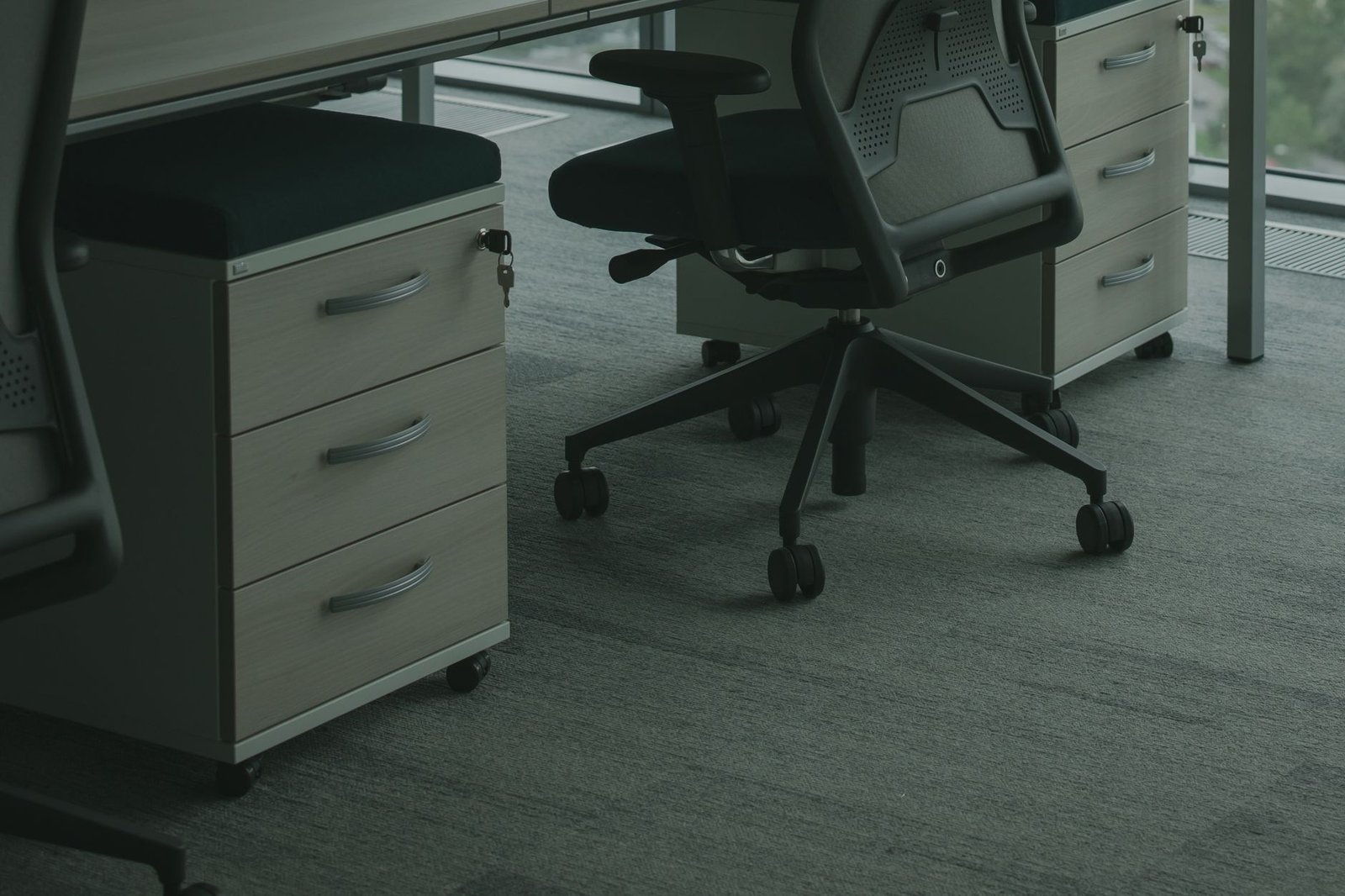
If your desk features a steel frame, legs, or modesty panels, you possess an immense, unexploited vertical storage canvas that requires zero drilling or permanent hardware modifications. Magnetic tool caddies, utility shelves, and pegboards leverage powerful neodymium magnetic backing to cling tenaciously to metal surfaces, providing instant storage for everyday items like scissors, staplers, dry-erase markers, and charging cables.
This approach shines in small home offices where floor space is at an absolute premium and desktop real estate must remain strictly dedicated to your monitor, keyboard, and mouse. By shifting frequently used hand tools and accessories to the exterior sides or inner corners of your desk legs, you clear visual clutter while keeping your workflow streamlined. Ensure the magnetic backing features a rubberized or silicone coating to prevent scratching the powder-coated finish of your desk frame when repositioning units.
Maximizing Magnetic Holding Force
To prevent heavy items from causing caddies to slide downward over time, distribute weight evenly and avoid overloading single-tier magnetic trays. Place heavier metallic items at the base of the caddy to maintain a low center of gravity. For maximum security, combine magnetic side caddies with under-desk hooks to create a multi-directional storage grid tailored to your specific daily routines.
4. Suspended Fabric Slings and Felt Storage Pockets
Not every home office features a metal frame or a thick wood desktop capable of supporting heavy screw-in hardware. For glass-topped tables, thin composite desks, or rental spaces where drilling is strictly prohibited, suspended fabric slings and felt storage pockets offer an elegant, lightweight alternative. These versatile organizers clamp onto the edge of your desk or strap securely around the desktop perimeter, creating a soft-sided pouch hanging neatly underneath.
Felt and heavy canvas materials provide a quiet, tactile storage medium that absorbs sound and prevents rattling when you retrieve items like tablets, e-readers, sketchbooks, or project portfolios. Because these slings hang gracefully within arm reach, they serve as ideal staging zones for items you reference constantly throughout the day but do not want cluttering your primary monitor view.
Care and Maintenance of Fabric Organizers
Fabric pockets accumulate dust and lint over time, particularly in tight under-desk environments close to carpets and computer fans. Choose organizers constructed from synthetic wool blends or heavy-duty polyester canvas that can be easily detached and vacuumed or hand-washed. Avoid storing damp items or leaking ink pens inside fabric slings to prevent permanent staining and fabric degradation.
Pair your under-desk fabric sling with an integrated desktop charging puck routed through a rubber grommet. This keeps your mobile devices charging securely inside the fabric pouch while completely eliminating visible charging cords from your work surface.
5. Under-Desk PC Mounts for Floor Clearance
Placing a computer tower directly on the floor of a small home office is a major operational mistake. Floors accumulate heavy carpet fibers, pet hair, and dust bunnies that get sucked directly into your power supply and GPU cooling fans, severely degrading hardware performance and increasing thermal noise. Furthermore, floor-bound towers consume valuable legroom and risk accidental impacts from office chair casters or kicking feet.
Installing an adjustable under-desk PC mount hovers your tower securely beneath the desktop, keeping your machine elevated, clean, and entirely out of your physical workspace. These steel brackets bolt directly into the underside of your desk, featuring adjustable width and depth parameters that accommodate everything from compact mini-ITX builds to massive full-tower gaming rigs. Many premium mounts include 360-degree rotation capabilities, allowing you to easily swing the back of your computer outward when plugging in new peripheral cables.
Thermal Management and Airflow Considerations
When hanging your computer tower under your desk, verify that intake and exhaust fans maintain clear clearance from the bottom of the desktop board. Leave at least two to three inches of open air above the top chassis panel to allow hot air to dissipate effectively without recirculating into the desk cavity. Routinely inspect the under-desk area every quarter to clear any accumulated dust filter debris.
6. Headphone and Backpack Hooks with Load-Bearing Design
Headphones, laptop bags, and heavy backpacks represent some of the most awkward items to store in a small room. Leaving them on your chair restricts movement, while resting them on your desktop devours precious working acreage. Clamping heavy-duty aluminum or steel utility hooks to the sides or underside of your desk instantly solves this spatial dilemma, creating a dedicated parking spot for your daily carry gear.
When choosing utility hooks, avoid cheap spring-loaded clips or weak adhesive plastic hangers that fail without warning under heavy loads. Instead, invest in solid metal hooks secured via heavy-duty thumb screws or bolt-through clamps rated for at least 25 to 50 pounds of static weight. This ensures your expensive over-ear studio headphones and fully loaded tech backpacks remain safely suspended and instantly accessible whenever you stand up to leave your office.
Preventing Wear and Protecting Straps
Long-term suspension on narrow metal hooks can warp leather headphone headbands and fray backpack shoulder straps. Look for hooks featuring wide, curved cradles lined with silicone or rubber padding that distributes weight evenly across a broader surface area. This small design detail preserves the structural integrity of your gear and prevents unsightly creases.

7. Adhesive Power Strip and Surge Protector Cradles
Power strips lying loose on the floor present a tangled tripping hazard and attract dust, while resting them on your desktop ruins the minimalist aesthetic of your workspace. Securing your power infrastructure directly beneath your desk using adhesive brackets or specialized mounting cradles keeps your electrical connections organized, dry, and safely out of sight.
High-bond acrylic mounting tape or mechanical slide brackets allow you to lock power strips firmly against the underside of your desktop or along the inside of a back modesty panel. This configuration shortens the travel distance for power cords, allowing you to plug in monitors, laptops, and desk lamps without excess cable slack spilling onto the floor. If you want to dive deeper into optimizing your physical setup while maintaining strict financial discipline, explore how to hack your home office ergonomics on a $100 budget for remote professionals.
Electrical Safety and Overload Prevention
Mounting power strips in enclosed under-desk spaces requires careful attention to electrical load ratings. Never daisy-chain multiple power strips together, and ensure your surge protector features built-in circuit breakers and heavy-gauge wiring capable of handling your total connected wattage. Periodically inspect plugs and sockets for signs of heat discoloration or dust accumulation.
8. Multi-Tiered Hanging File Baskets for Paper Management
Despite the digital revolution, physical paperwork, tax documents, client briefs, and reference notebooks continue to pile up in home offices. When desktop tray organizers overflow, your physical workspace quickly grinds to a halt. Installing multi-tiered hanging wire baskets underneath your desk offers a high-capacity archiving solution that keeps important documents sorted and within arm reach without consuming top-surface acreage.
These tiered wire racks mount directly to the underside of your desk or hang from sturdy structural brackets, providing vertical filing slots sized perfectly for standard letter folders and notebooks. By organizing your active paper projects vertically beneath your writing surface, you reduce visual clutter and maintain immediate access to hardcopy resources during phone calls or deep-focus writing sessions.
Maintaining Ergonomic Leg Clearance
Hanging paper baskets project downward further than simple cable trays, making ergonomic placement critical to avoid knee collisions. Install paper baskets toward the outer left or right edges of your desk rather than dead center where your legs naturally rest. This keeps the central seating envelope entirely clear while preserving fast access to your files.
9. Modular Under-Desk Pegboard Panels
For ultimate customization and adaptability, installing a modular under-desk pegboard panel transforms your workspace into an infinitely expandable storage matrix. While traditional pegboards are mounted to walls, miniature steel or high-density polymer pegboards can be clamped horizontally beneath desks or vertically against side panels, creating a tailored grid for hanging tools, adapters, and accessories.
Utilizing specialized hooks, small shelves, clips, and custom brackets, you can snap storage containers into exact configurations that match your evolving workflow requirements. This modularity ensures that as your hardware inventory changes, your under-desk storage layout adapts seamlessly without requiring new furniture purchases or permanent modifications to your workspace.
Energy management throughout the workday is just as important as physical organization. To maintain peak cognitive performance and avoid afternoon fatigue, learn how to hack your post-lunch glucose spike to eliminate the 2 pm productivity slump.
Grid Mapping and Weight Distribution
When designing your modular pegboard layout, map out your most frequently used items and place them closest to the front edge for rapid retrieval. Balance heavy items across multiple mounting points to prevent torsional stress on the pegboard panel. Regularly audit your hanging accessories every month to remove items you no longer use, keeping your under-desk environment lean and responsive.
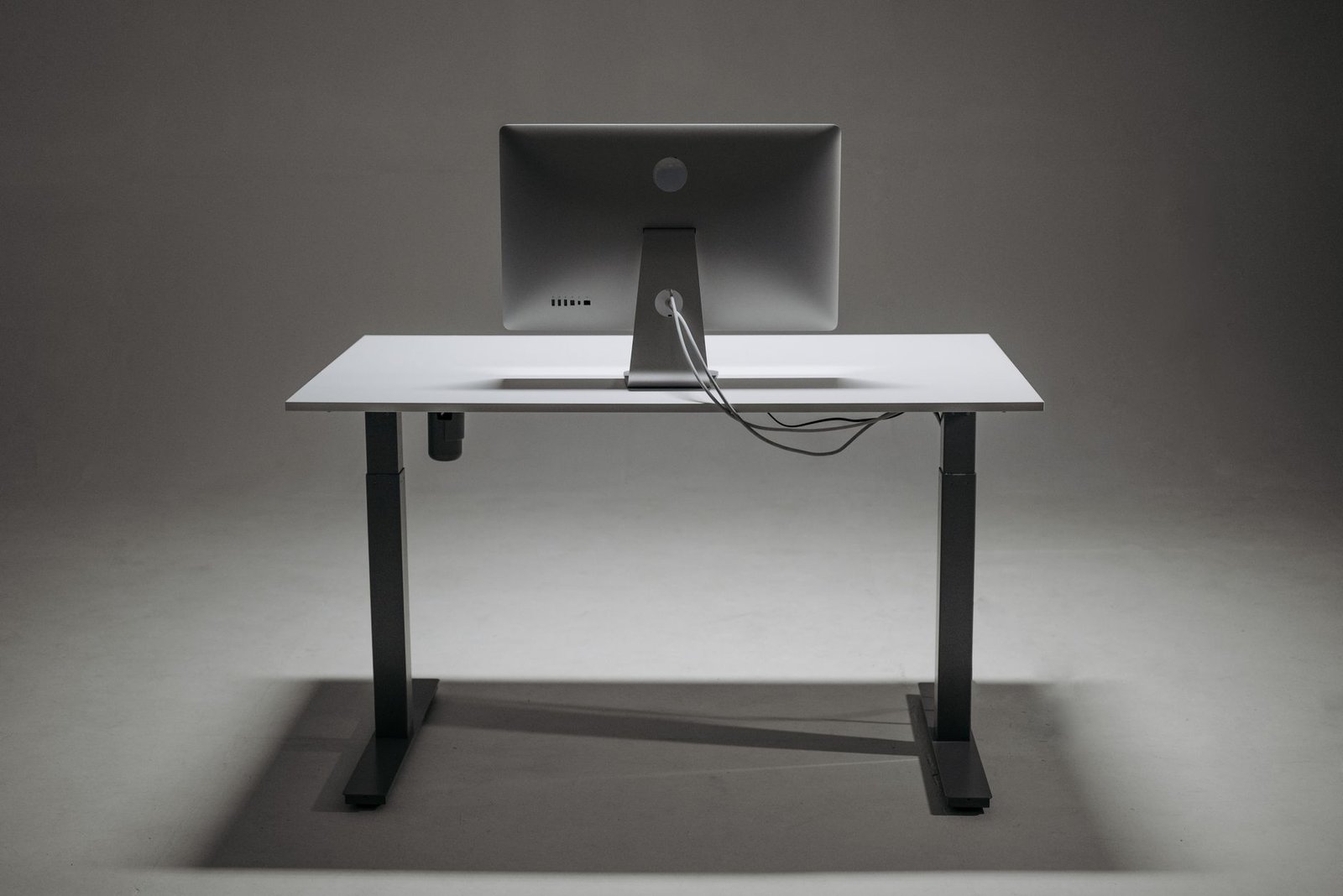
Never screw heavy hardware directly into hollow honeycomb core desks or thin particleboard panels under 0.75 inches thick. Doing so destroys the internal core structure, causing mounting screws to rip out unexpectedly and dropping heavy equipment onto your legs.
Step-by-Step Implementation Blueprint
Transforming a chaotic home office into an impeccably organized workspace requires a structured, sequential approach. Trying to install all nine storage hacks at once invites frustration and installation errors. Execute the following four-phase roadmap to ensure a clean, structurally sound deployment.
Phase 1: Total Surface Audit and De-Cluttering
Begin by stripping your desktop completely bare. Remove every monitor, peripheral, notebook, and stray cable, wiping down the wood or composite surface with a microfiber cloth. Sort your items into three distinct categories: daily essentials, occasional reference tools, and redundant clutter destined for storage or disposal. This audit establishes your exact baseline inventory and ensures you only mount storage solutions for gear you actually use.
Phase 2: Power and Cable Infrastructure Setup
With the desk cleared, tackle power management first. Mount your heavy-duty steel wire cable tray along the back edge of the desktop, securing your power strip and adapter bricks inside the basket. Route all power cables, monitor display cords, and USB hub lines cleanly into the tray, utilizing hook-and-loop ties to bundle slack. Test your standing desk height range from lowest to highest sitting and standing positions to verify that no cables experience dangerous pulling tension.
Phase 3: Peripheral and Accessory Mounting
Next, install your sliding drawers, headphone hooks, and side-mounted magnetic caddies. Measure your knee clearance envelope carefully before tightening any clamps or driving screws into place. Place your most frequently accessed peripherals—such as spare charging cables, flash drives, and notebooks—inside the sliding drawers and hanging slings, keeping the top surface of your desk entirely free of miscellaneous debris.
Phase 4: Final Ergonomic Audit and Routine Maintenance
Settle into your chair and test your ergonomic alignment. Ensure you can cross your legs, extend your knees, and shift positions without striking any under-desk hardware. Establish a 15-minute weekly review habit to inspect mounting clamps, clear accumulated dust, and return stray items to their designated under-desk storage zones. To streamline your daily operational reviews and track your remote work habits efficiently, review how to set up a 15-minute daily energy audit in Notion for remote workers.
Frequently Asked Questions
Can under-desk storage solutions be installed on glass-topped desks?
Installing heavy-duty screw-in or clamp-on storage solutions on tempered glass desks is strongly discouraged because concentrated pressure points can shatter the glass panel. For glass desks, rely exclusively on freestanding floor organizers, magnetic attachments if the frame is steel, or adhesive-backed fabric pockets designed specifically for smooth surfaces.
How do I prevent my motorized standing desk from straining cables when adjusting height?
Preventing cable strain requires creating a centralized power hub attached directly to the moving desktop platform. By mounting your power strip and cable tray to the underside of the desk itself, everything moves together as a single unit. Always leave extra slack in the primary wall outlet cord to accommodate the full vertical travel range of your motorized desk.
What is the maximum weight limit I can safely hang under a standard desk?
Maximum weight limits depend entirely on your desktop material and mounting hardware. Solid hardwood desks can support heavy under-desk PC mounts and loaded drawers up to 50 pounds when secured with heavy-duty wood screws. In contrast, hollow honeycomb core desks or thin particleboard tops should never support more than 10 to 15 pounds of total under-desk storage weight.
How can I keep under-desk cables from tangling inside wire trays?
Keeping wire trays organized requires using color-coded hook-and-loop cable ties to bundle long cords together before placing them in the basket. Separate high-voltage power lines from low-voltage USB and audio data cables to minimize electromagnetic interference and maintain a clean, professional aesthetic.
Are no-drill clamp-on storage solutions as secure as screw-in units?
High-quality C-clamp and heavy-duty vice mounts offer exceptional holding force that easily rivals permanent screw-in fasteners, provided they are tightened securely against a rigid desktop edge. They offer the significant advantage of allowing effortless repositioning without leaving unsightly screw holes behind when you move or upgrade your furniture.